How to mark task as done in Lemlist
Here is how to mark task as done in lemlist
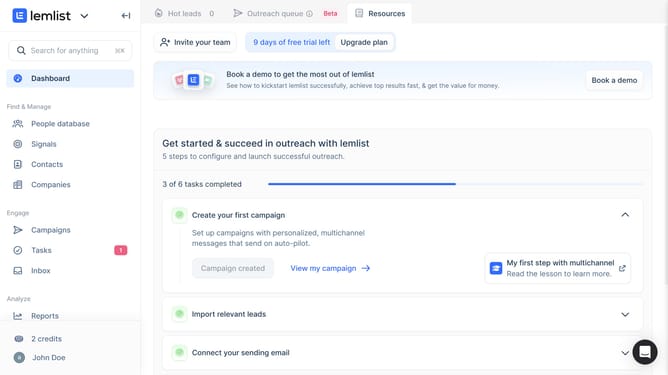
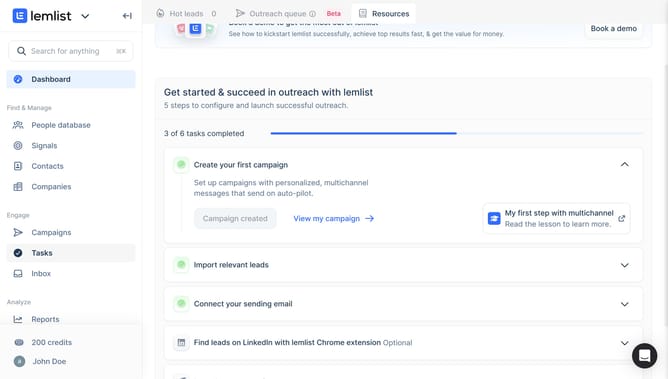
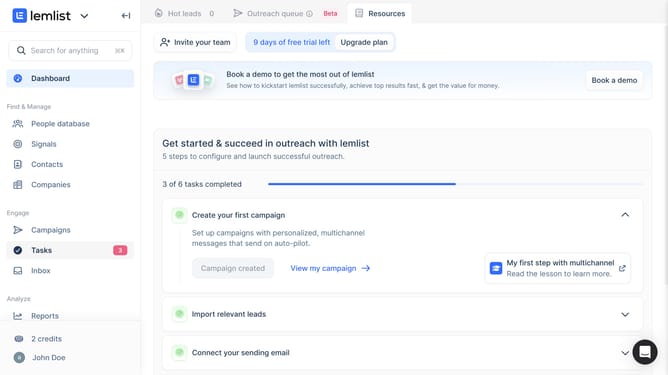
- First click on "Tasks" in the left sidebar under the Engage section
- Then click on the checkbox next to the task you want to manage
- Next click on the "Mark as done" button in the bottom action bar
- Finally click on the "Confirm & stop sequence" button in the confirmation dialog
Why should you mark task as done in Lemlist
Lemlist is a powerful tool designed to streamline email campaigns and enhance team productivity.
One of its valuable features is the ability to mark tasks as done effortlessly. This feature helps users maintain a sense of accomplishment and keeps the workflow organized.
By marking tasks as completed, team members can easily keep track of their progress, prioritize upcoming tasks, and ensure nothing falls through the cracks. This boosts both individual and collective efficiency.
Overall, it contributes to a seamless productivity experience crucial for successful email outreach campaigns.
Last update