How to change task due date in Lemlist
Here is how to change task due date in lemlist
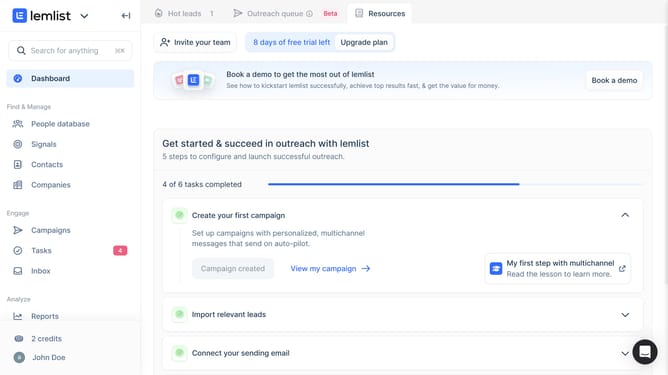
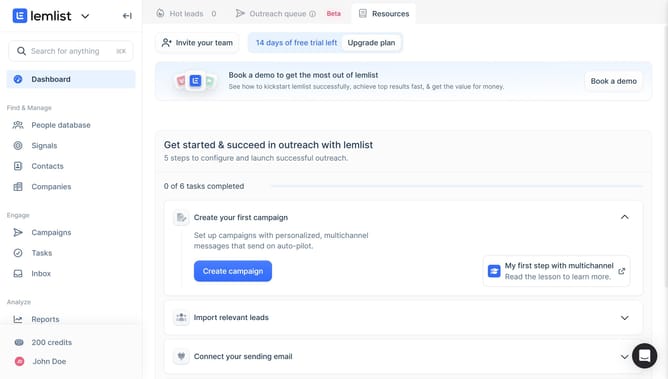
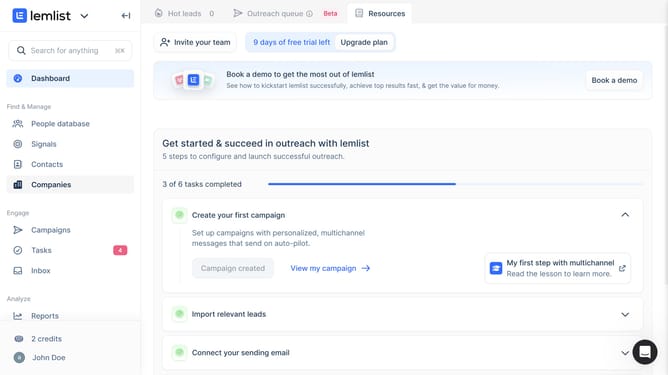
- First click on the "Tasks" menu item in the left sidebar under the Engage section
- Then click on the task you want to manage in the task list
- Next click on the "Reschedule task" button at the bottom of the task details panel
- Then click on the "Custom date" option in the snooze menu
- Next click on the "Due date & time" input field in the reschedule task dialog to open the date picker
- Finally click on the "Confirm" button to save the rescheduled task
Why should you change task due date in Lemlist
Lemlist is a powerful tool designed to supercharge your email outreach campaigns.
One of its standout features is the ability to effortlessly change the due date of tasks, adding flexibility and accommodation to your workflow.
This feature ensures that your tasks are in perfect alignment with your evolving schedule and priorities, reducing stress and enhancing productivity.
By offering such adaptability, Lemlist makes it easy to keep projects on track, while allowing you to focus on crafting and sending impactful emails at the right time.
Last update