How to resize companies columns in Lemlist
Here is how to resize companies columns in lemlist
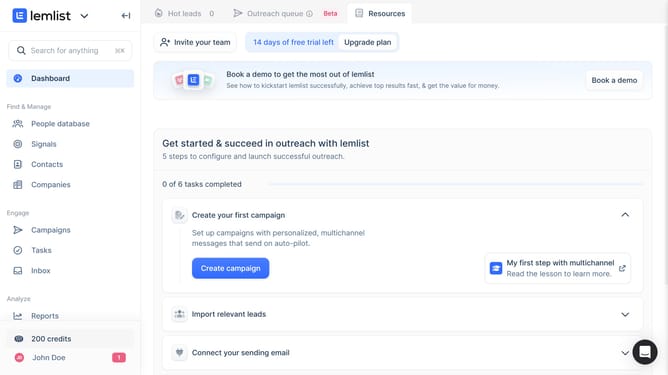
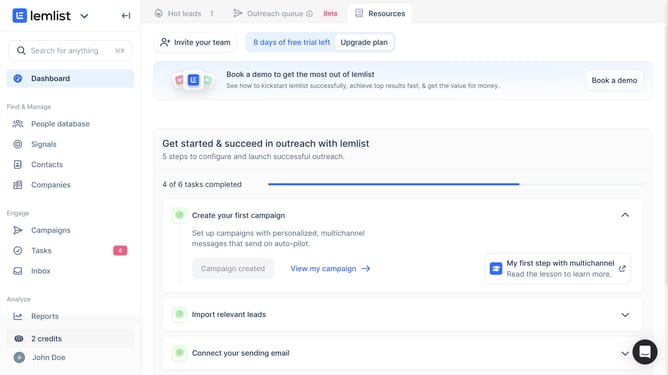
- First click on "Companies" in the left sidebar under the Find & Manage section
- Then click on the column header in the companies table
- Finally hover your cursor over the edge of the column header and drag left or right to adjust the column width
Why should you resize companies columns in Lemlist
Lemlist is a dynamic tool crafted for elevating your email outreach endeavors.
One of its user-friendly features allows you to resize company columns effortlessly.
Customizing column sizes is crucial for a streamlined workflow, enabling you to view essential data at a glance without unnecessary clutter.
This feature enhances your experience by adding flexibility and efficiency, ensuring you focus on what matters most in your campaigns.
Last update