How to invite a team member in Lemlist
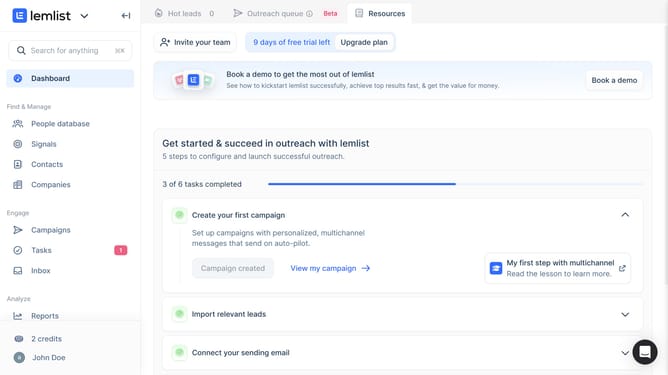
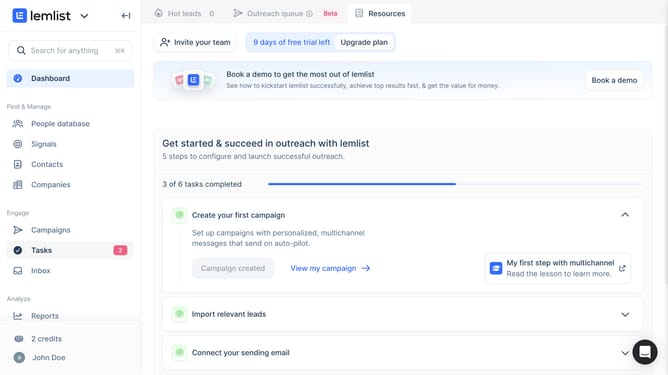
Here is how to invite a team member in lemlist
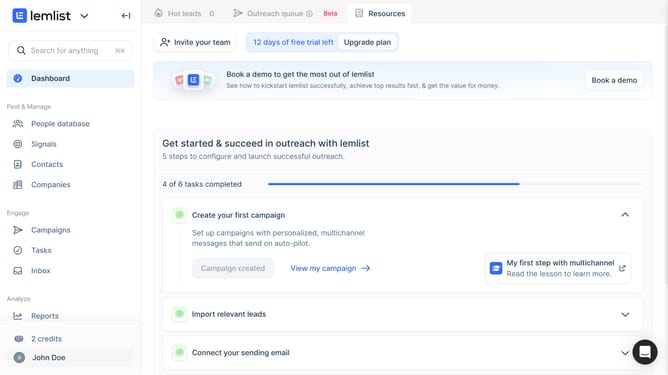
- First click your profile icon or name in the lower left corner
- Then click on "Plans & billing" option in the user menu dropdown
- Next click on the "Invite user" button in the bottom right corner of the billing page
- Then click on the email input field in the "Invite co-workers to your team" dialog and enter the email address that you want to invite
- Finally click on the "Invite" button to send the invitation
Why should you invite a team member in Lemlist
Lemlist is an innovative platform designed to enhance your cold email campaigns and boost engagement.
Inviting a team member in Lemlist ensures seamless collaboration, allowing for shared insights and unified efforts in optimizing your outreach strategies.
This feature promotes efficient teamwork, making it easier to assign tasks, share responsibilities, and achieve common goals effortlessly.
By simplifying the invitation process, Lemlist helps teams stay connected and productive, leading to more effective campaigns and better results.
Last update