How to create a list select field for a contact in Lemlist
Here is how to create a list select field for a contact in lemlist
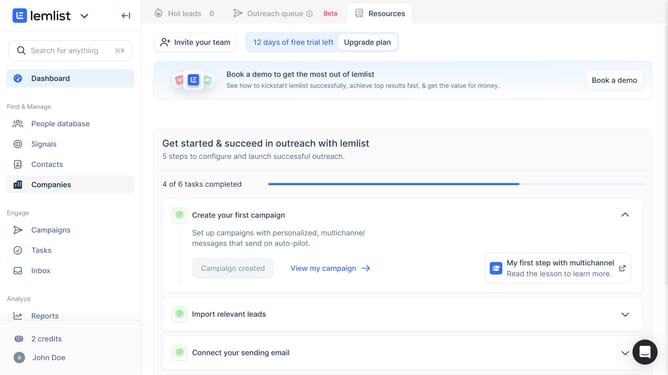
- First click on "Contacts" in the left sidebar under the Find & Manage section
- Then click on the contact from the contacts list
- Next click on the add field button or plus icon in the Contact fields section of the right panel
- Then click on the "Field type" dropdown menu in the Create contact field dialog
- Next select "Date" option from the field type dropdown menu
- Then click on the "Create field" button to confirm the new field creation
- Finally click on the email address "bbroyles@us.net" in the contacts list
Why should you create a list select field for a contact in Lemlist
Lemlist streamlines your email outreach with personalized campaigns that boost engagement.
Creating a list select field for a contact in Lemlist helps organize and categorize your leads effectively. This feature allows you to segment your audience, tailor messages, and improve response rates.
With a list select field, you can easily target specific groups based on their preferences or behaviors, making your campaigns more relevant. Ultimately, this leads to enhanced communication and stronger relationships with your contacts.
Last update