How to unpin a column on the companies in Lemlist
Here is how to unpin a column on the companies in lemlist
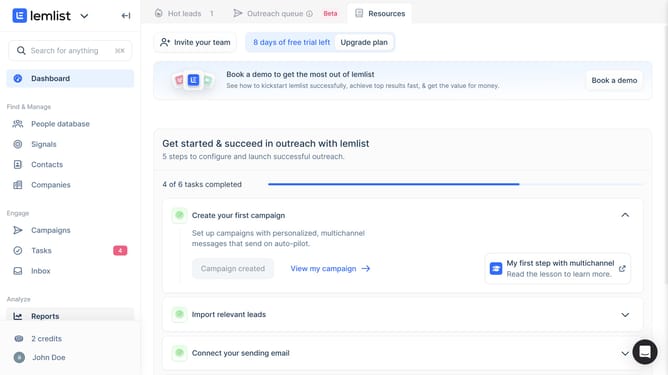
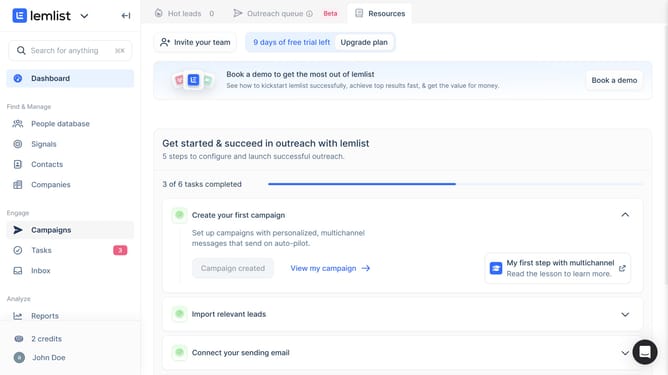
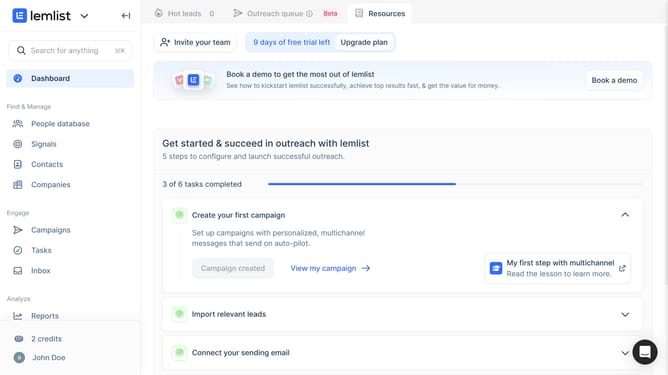
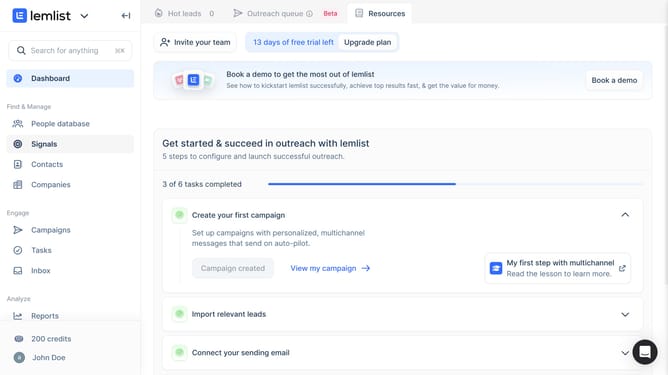
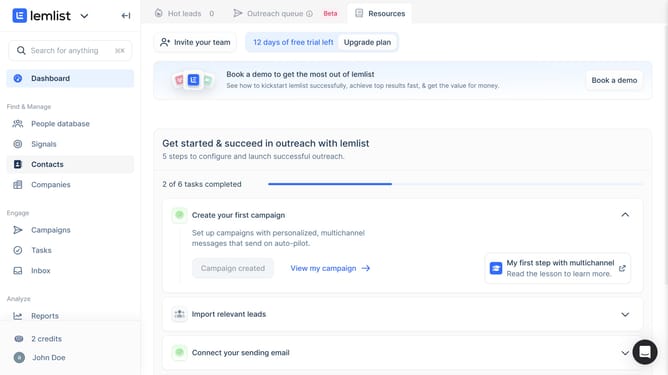
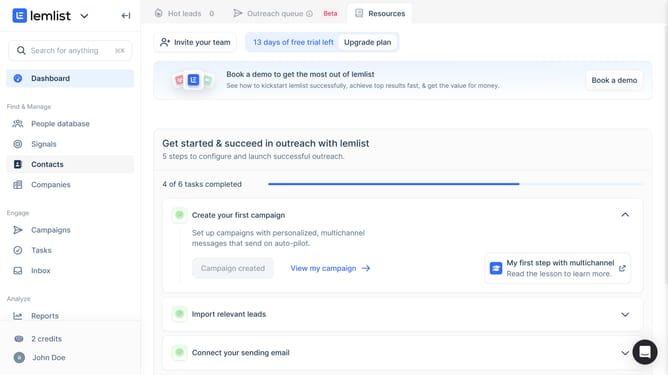
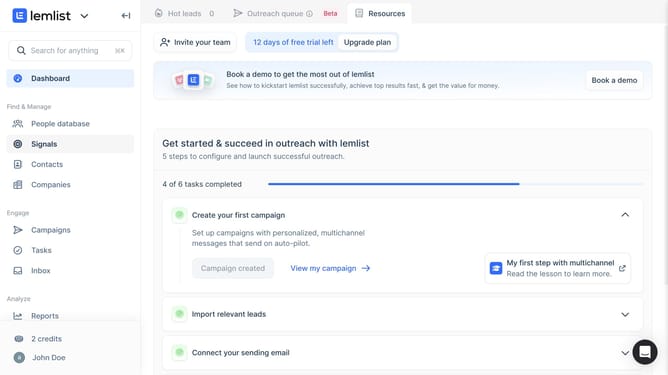
- First click on "Companies" in the left sidebar under the Find & Manage section
- Then click on the column header that you want to unpin in the companies table
- Finally click on "Unpin" option in the dropdown menu that appears
Why should you unpin a column on the companies in Lemlist
Lemlist is a dynamic platform designed to supercharge your email outreach campaigns with personalized and automated strategies.
Unpinning a column on the companies feature in Lemlist streamlines your workspace by enhancing visibility and focus on specific data points.
This capability allows users to maintain an uncluttered interface, which is beneficial for those managing extensive lists of prospects.
Utilizing this feature ensures that essential information is always within reach, optimizing efficiency and improving overall workflow.
Last update