How to change owner of a contact in Lemlist
Here is how to change owner of a contact in lemlist
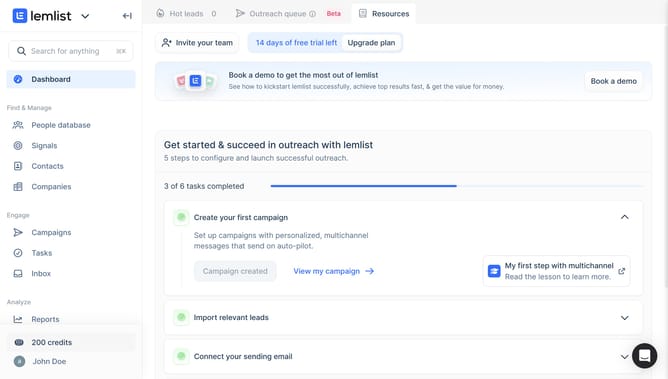
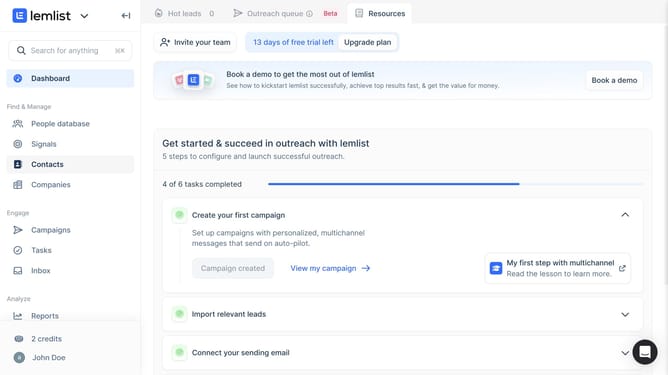
- First click on "Contacts" in the left sidebar under the Find & Manage section
- Then click on the checkbox next to the contact to select it
- Next click on the "More" button in the bottom action bar
- Then click on "Change owner" option from the dropdown menu
- Select from the owner selection list
- Finally confirm the owner change by clicking outside the dropdown menu or on the main content area
Why should you change owner of a contact in Lemlist
Lemlist is a powerful email outreach platform designed to boost your engagement and collaboration efforts.
One of its valuable features is the ability to change the owner of a contact seamlessly. This function helps maintain organized workflows when team members switch roles or responsibilities.
Reassigning a contact owner ensures continuity in communication and client relationship management, enhancing productivity and collaboration, while keeping all team members updated.
Last update