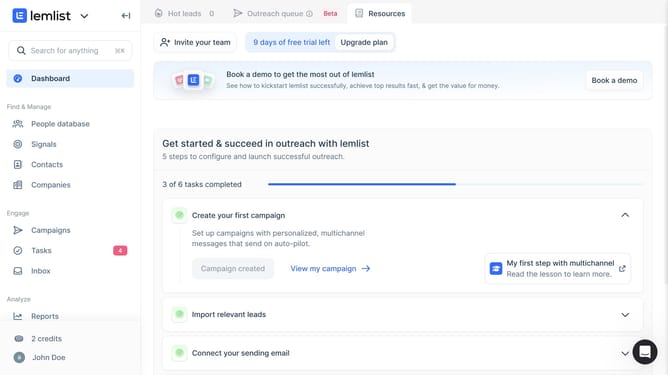
How to manage content of an email task in Lemlist
Here is how to manage content of an email task in lemlist
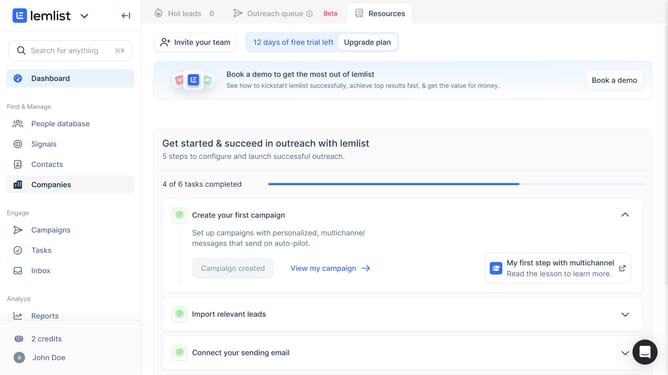
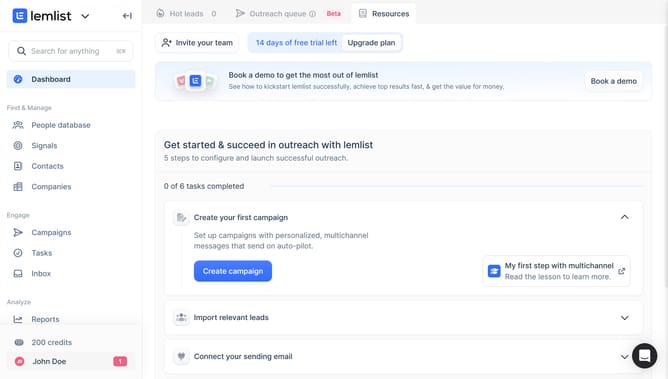
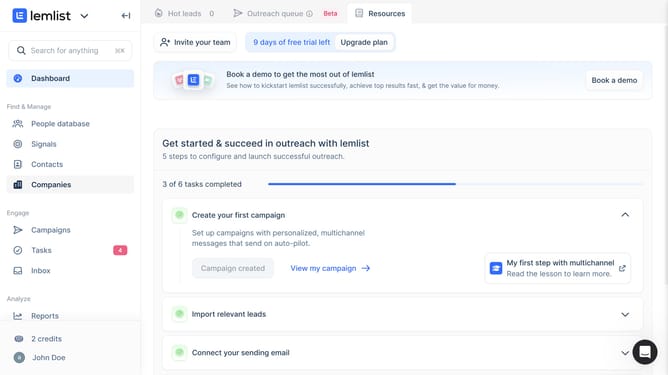
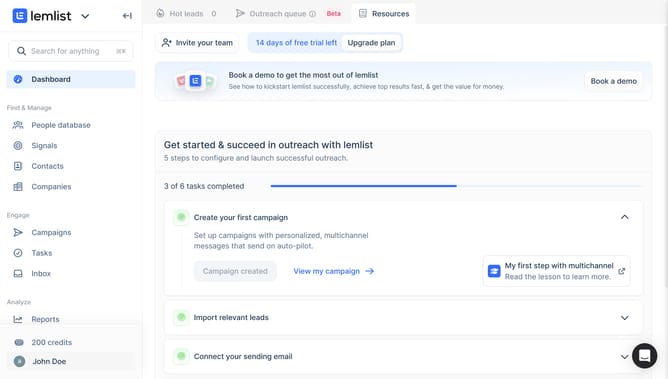
- First click on the "Tasks" menu item in the left sidebar under the Engage section
- Then click on the task name from the task list in the main content area
- Next click on the "Subject" input field in the task details panel on the left side
- Finally click on the "Message" input field in the task details panel on the left side
Why should you manage content of an email task in Lemlist
Lemlist is a versatile email outreach platform designed to personalize emailing at scale.
Managing content of an email task in Lemlist enables users to customize their messaging effortlessly, ensuring each email feels tailor-made for recipients.
This feature allows users to easily organize, edit, and personalize content, enhancing the effectiveness of email campaigns.
By utilizing this feature, users can maintain consistency, increase engagement, and boost the success rate of their outreach efforts.
Last update