How to manage push notification in Lemlist
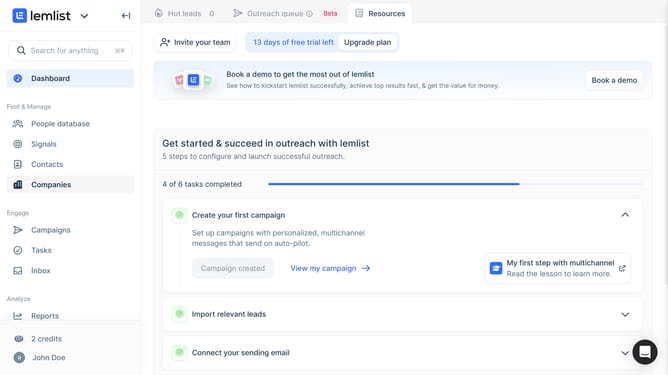
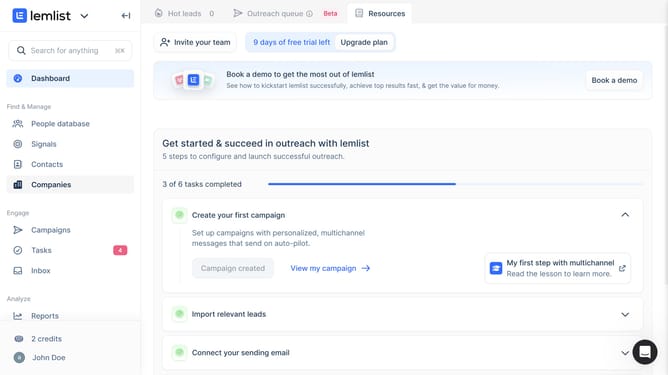
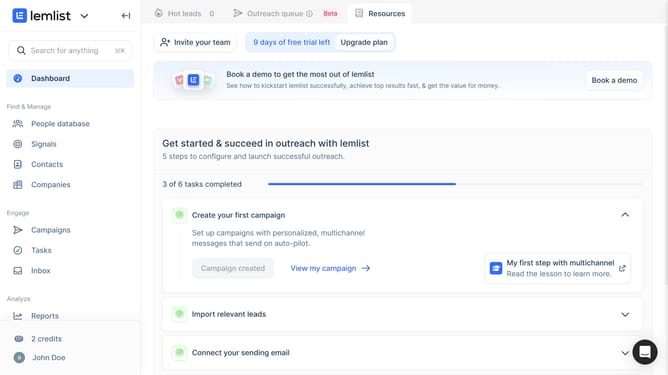
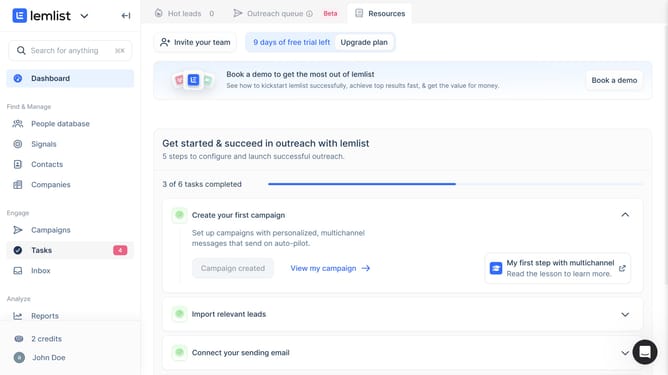
Here is how to manage push notification in lemlist
- First click on the user profile button in the bottom left sidebar
- Then click on the "Settings" option in the dropdown menu that appears
- Next click on the "Notifications" item in the left sidebar under Account settings
- Finally click on the toggle switch for under the Push notifications section to manage preference
Why should you manage push notification in Lemlist
Lemlist is an innovative platform designed to enhance your email outreach with personalization and automation.
Managing push notifications in Lemlist is a powerful feature that keeps you informed and up-to-date without overwhelming your senses.
This functionality ensures that you stay focused on what matters most by receiving timely alerts only for crucial events.
By fine-tuning your notification settings, you enhance productivity and maintain seamless communication, fostering an efficient work environment.
Last update