How to duplicate a step in Lemlist
Here is how to duplicate a step in lemlist
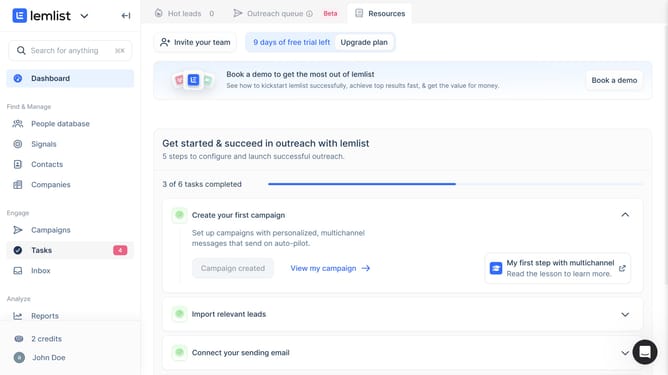
- First click on "Campaigns" in the left sidebar under the Engage section
- Then click on the "Book a sales" campaign row in the campaigns list
- Next click on the three-dot menu button for the step in the campaign sequence that you want to duplicate
- Finally click on "Duplicate" option in the dropdown menu
Why should you duplicate a step in Lemlist
Lemlist is a powerful tool designed to elevate your email marketing by personalizing and automating your outreach campaigns.
The 'duplicate a step' feature in Lemlist provides remarkable efficiency for campaign managers, allowing them to replicate successful moves without starting from scratch each time.
This capability ensures consistency in your outreach strategy, saving valuable time while maintaining the quality and impact of each step.
Ultimately, it enhances productivity by enabling you to focus more on fine-tuning your messaging rather than rebuilding processes.
Last update