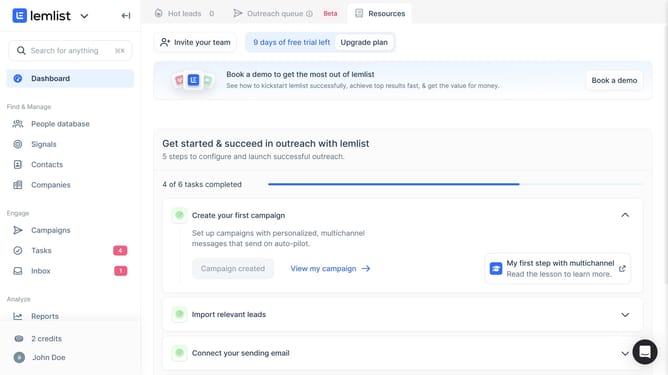
How to add a lead activities overview widget on reports in Lemlist
Here is how to add a lead activities overview widget on reports in lemlist
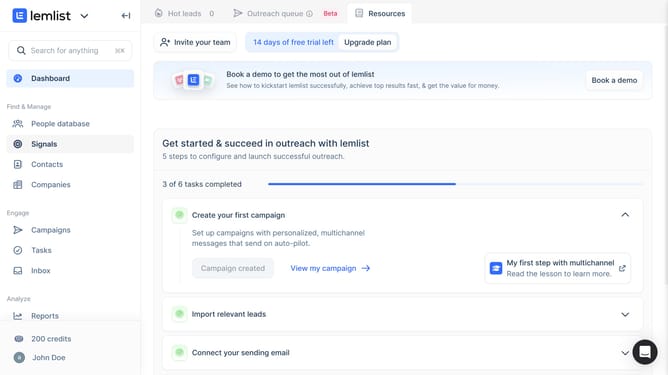
- First click on "Reports" link in the left sidebar under the Analyze section
- Then click on your chosen tab in the top navigation bar
- Next click on "Add widget" button in the center of the main content area
- Then click on "Add widget" button within the "Lead activities overview" widget card in the modal dialog
- Finally click on "Save for everyone" button in the top right corner of the page
Why should you add a lead activities overview widget on reports in Lemlist
Lemlist is an innovative platform designed to skyrocket your email outreach campaigns with personalization and automation.
Adding a lead activities overview widget to reports in Lemlist provides a snapshot of your lead engagements, giving you the edge to refine strategies effectively.
By integrating this widget, get instant access to valuable insights like email opens, clicks, and replies, ensuring that your campaigns hit the mark. This concise visibility empowers teams to make data-driven decisions swiftly and boosts productivity in monitoring campaign performance.
Last update