How to restore a message from archive in Lemlist
Here is how to restore a message from archive in lemlist
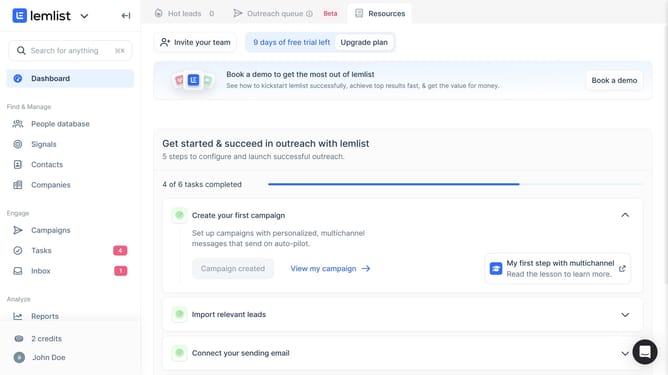
- First click on "Inbox" in the left sidebar under the Engage section
- Then click on the "Conversations" dropdown menu in the top navigation bar
- Next click on "Archived" option in the dropdown menu
- Finally click on the "Archive" button in the top toolbar of the conversation view to unarchive it
Why should you restore a message from archive in Lemlist
Lemlist is a dynamic tool designed to supercharge your email outreach campaigns with personalization and automation.
Restoring a message from the archive in Lemlist is a feature that ensures you never lose touch with important communications. By allowing easy retrieval of archived messages, it helps maintain continuity and keeps your campaigns on track.
This capability not only saves time but also ensures crucial information is always at your fingertips, making your outreach efforts more efficient and effective.
Last update