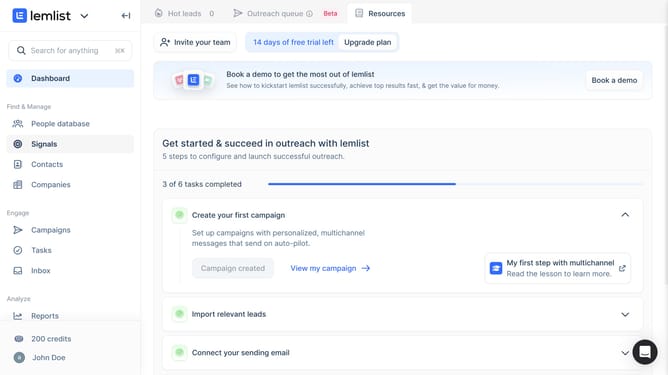
How to filter reports of total call duration by status in Lemlist
Here is how to filter reports of total call duration by status in lemlist
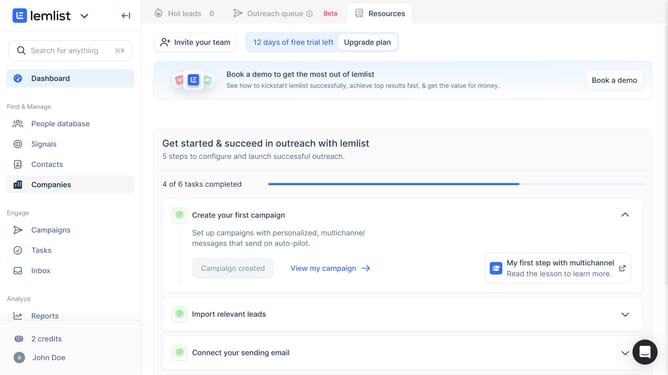
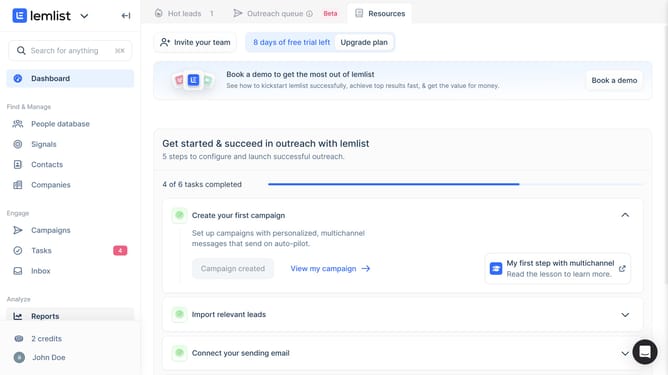
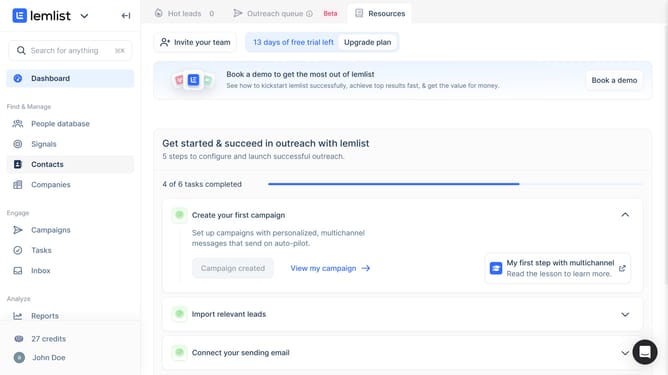
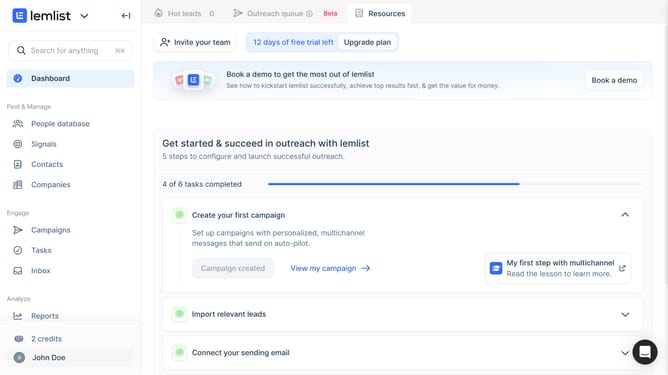
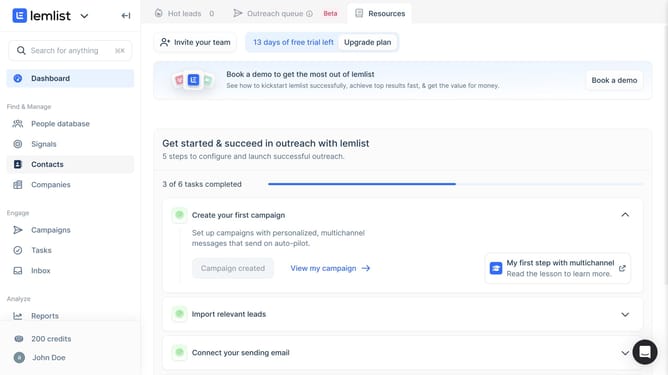
- First click on "Reports" link in the left sidebar under the Analyze section
- Then click on a tab in the top navigation menu
- Next click on the status dropdown filter button in the widget controls area
- Then select a checkbox option from the status filter dropdown menu
- Finally click on "Save for everyone" button in the top right corner of the page
Why should you filter reports of total call duration by status in Lemlist
Lemlist is an innovative platform designed to amplify your outreach campaigns with personalized, automated emails and calls.
One of its powerful features is the ability to filter reports of total call duration by status. This allows users to easily organize and assess call activities based on their completion status. This feature is beneficial for understanding which calls are finalized, pending, or unsuccessful.
Utilizing this feature enables streamlined management, enhancing overall productivity and providing valuable insights into the effectiveness of call strategies.
Last update