How to filter reports by status of call performance by rep in Lemlist
Here is how to filter reports by status of call performance by rep in lemlist
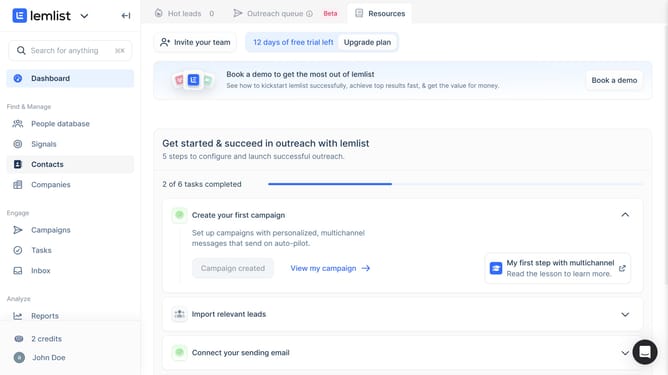
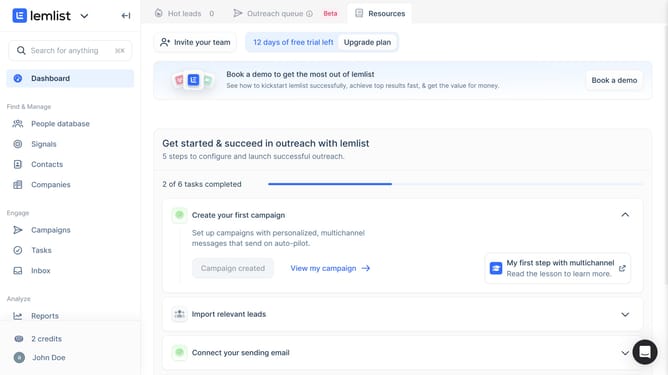
- First click on "Reports" in the left sidebar under the Analyze section
- Then click on a tab in the top navigation menu
- Next click on the status dropdown filter in the call performance widget
- Then select a checkbox from the dropdown menu options
- Finally click on "Save for everyone" button in the top right corner
Why should you filter reports by status of call performance by rep in Lemlist
Lemlist empowers outreach campaigns with automation and personalization tools to connect with leads more effectively.
Filtering reports by the status of call performance by rep in Lemlist is a powerful feature that enhances team efficiency.
By accessing such filtered reports, managers can quickly assess individual performance and identify areas needing improvement.
This feature helps teams focus on strategies that work, ensuring productive and successful calling efforts across the board.
Last update