How to personalize messages in Lemlist
Here is how to personalize messages in lemlist
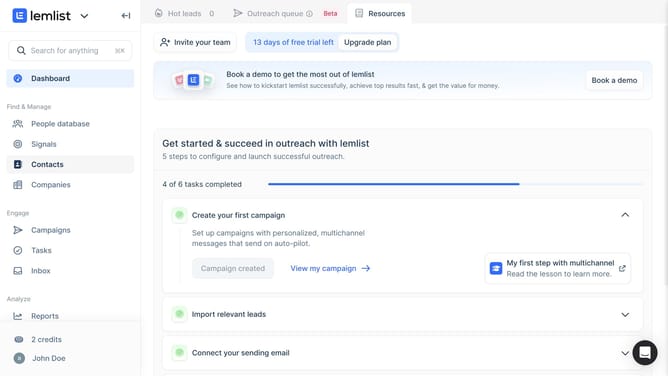
- First click on the "Campaigns" menu item in the left sidebar under the Engage section
- Then click on the campaign title in the campaigns list table
- Next click on the "Subject" text field in the email content editor on the right panel
- Then click on the email body text area in the content editor to add email content
- Finally review the completed email content with variables in the email body text area
Why should you personalize messages in Lemlist
Lemlist is an innovative platform designed to enhance your email outreach by enabling personalized communication at scale.
Personalizing messages in Lemlist is a powerful feature that allows you to connect with your audience on a deeper level. By using dynamic variables and tailored content, you can make each message feel exclusive and relevant to the recipient.
This personalization not only increases engagement but also builds trust with your audience, leading to higher response rates and more meaningful relationships. Embracing this feature helps streamline outreach efforts while maintaining that personal touch.
Last update