How to insert leads manually in Lemlist
Here is how to insert leads manually in lemlist
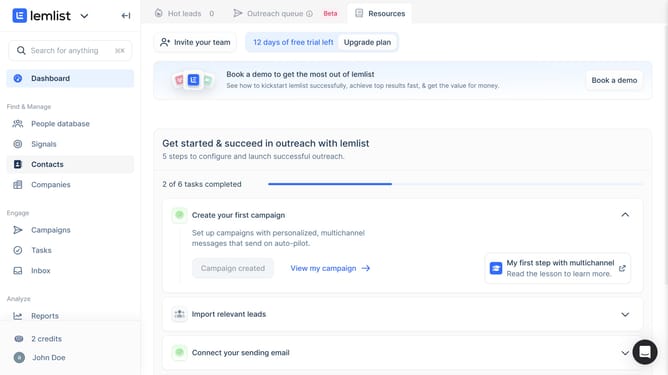
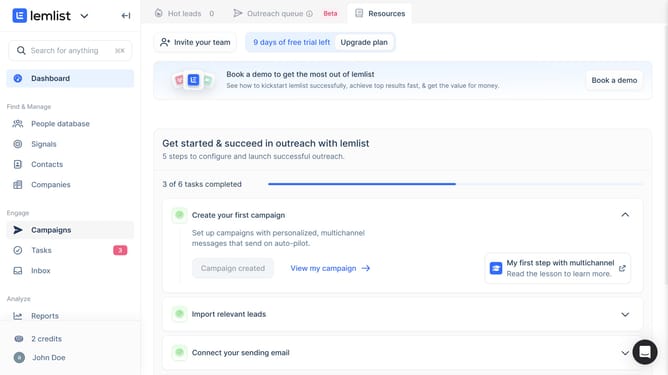
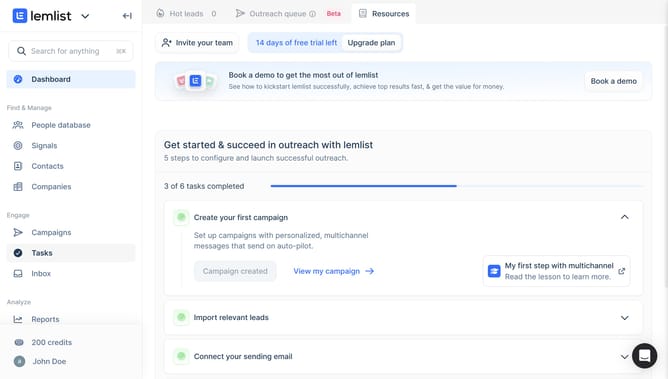
- First click on the "Campaigns" menu item in the left sidebar under the Engage section
- Then click on the campaign name in the campaigns list table
- Next click on the "Next step" button in the top navigation bar
- Then click on the "Actions" dropdown in the lead list toolbar
- Next click on the "Add one lead" option in the Actions dropdown menu
- Then click on the "Email" input field in the Import one lead form
- Finally click on the "Import this lead" button at the bottom of the form
Why should you insert leads manually in Lemlist
Lemlist is a dynamic tool designed to elevate your email outreach with personalized and automated campaigns.
One of the stand-out features of Lemlist is the ability to manually insert leads, offering flexibility in managing your contact list. This feature is ideal for those who want to ensure they are targeting specific individuals or have obtained unique lead information not captured automatically.
Manually adding leads helps maintain the precision of your campaigns, allowing you to personalize outreach efforts and improve engagement rates. This targeted approach can ultimately lead to higher conversion rates and a more effective marketing strategy.
Last update