How to add a heading zone on reports in Lemlist
Here is how to add a heading zone on reports in lemlist
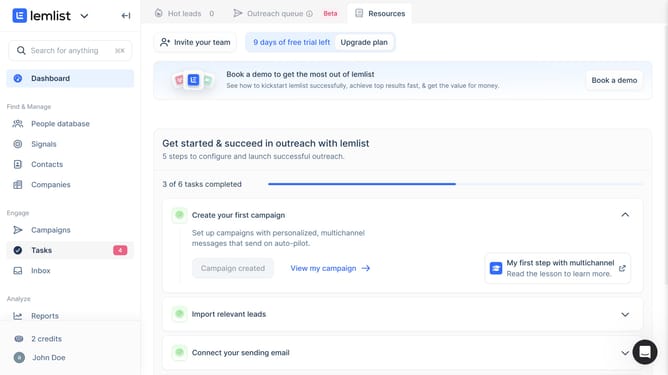
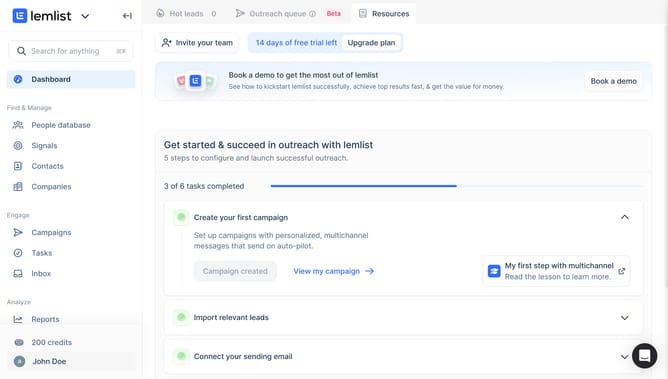
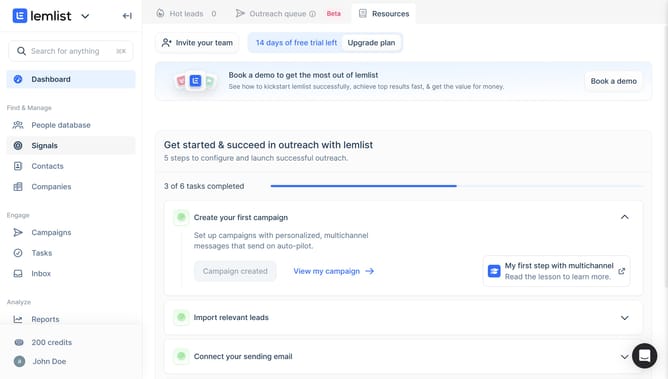
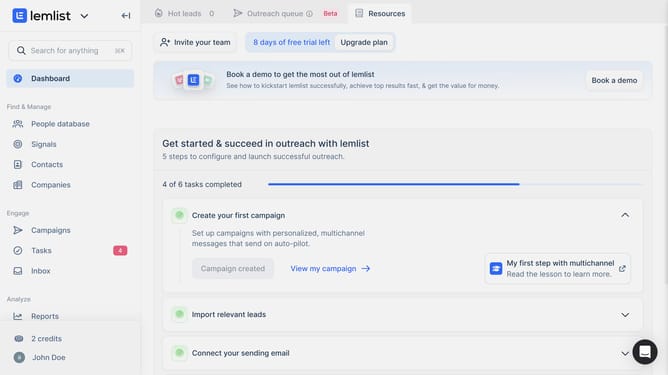
- First click on "Reports" in the left sidebar under the Analyze section
- Then click on a tab in the top navigation menu
- Next click on "Add widget" button in the content area
- Then click on "Heading zone" widget from the Others section in the Add widget modal
- Finally click on "Save for everyone" button in the top right corner of the page
Why should you add a heading zone on reports in Lemlist
Lemlist is a powerful tool designed to enhance your email marketing campaigns with personalization and automation.
In Lemlist, the feature to add a heading zone on reports elevates your reporting by allowing you to personalize and organize your data presentation. This feature ensures that each report is not only informative but also visually appealing and easy to navigate.
By utilizing this feature, you benefit from increased clarity and enhanced communication, as important information stands out, making your insights more impactful and actionable.
Last update