How to filter reports by channel of lead activities over time in Lemlist
Here is how to filter reports by channel of lead activities over time in lemlist
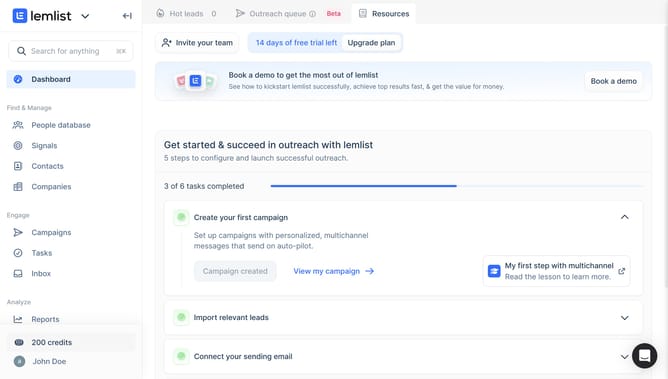
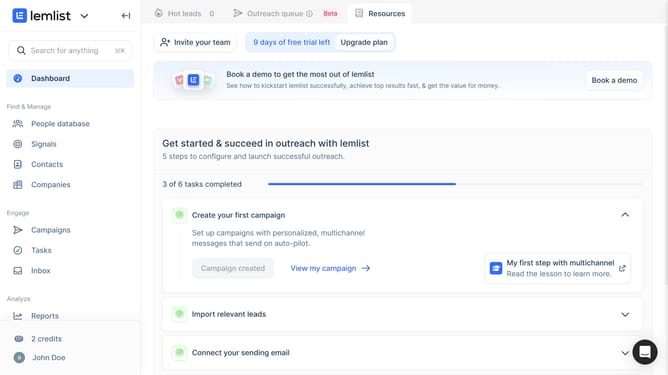
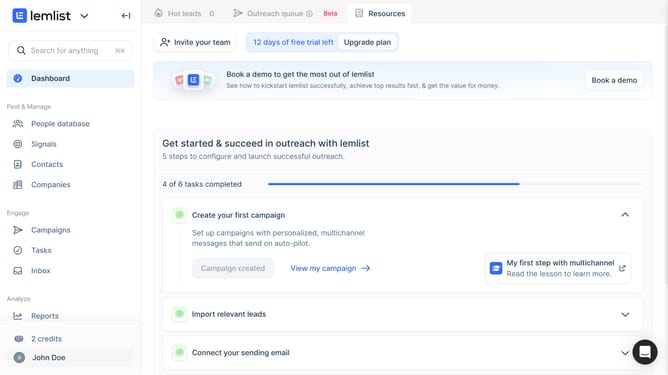
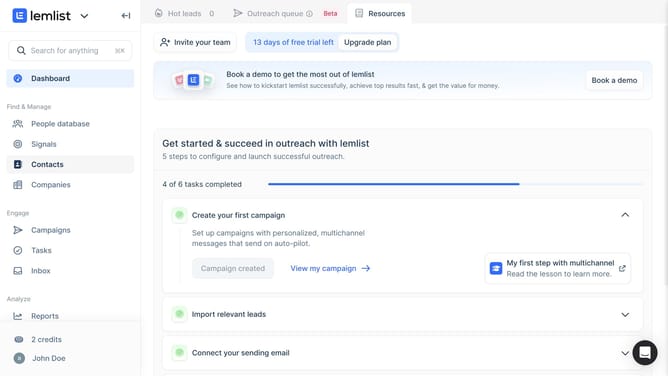
- First click on the "Reports" link in the left sidebar under the Analyze section
- Then click on the tab in the top navigation menu
- Next click on the dropdown filter above the Lead activities over time chart
- Then select the checkbox option from the channels dropdown menu
- Finally click on the "Save for everyone" button in the top right corner of the page
Why should you filter reports by channel of lead activities over time in Lemlist
Lemlist is a dynamic platform designed to enhance email outreach campaigns with precision and personalization.
One of its standout features is the ability to filter reports by the channel of lead activities over time. This allows users to effortlessly track how different channels perform in lead generation, helping to fine-tune strategies with valuable insights.
By leveraging this feature, businesses can identify the most successful channels, allocate resources more effectively, and improve overall campaign efficiency, ensuring optimal engagement and conversion rates.
Last update