How to delete a contact list in Lemlist
Here is how to delete a contact list in lemlist
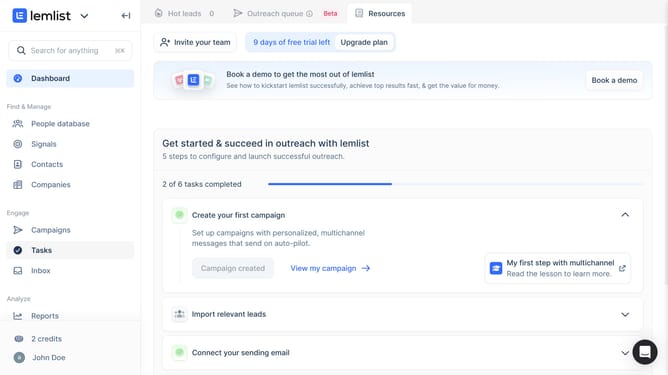
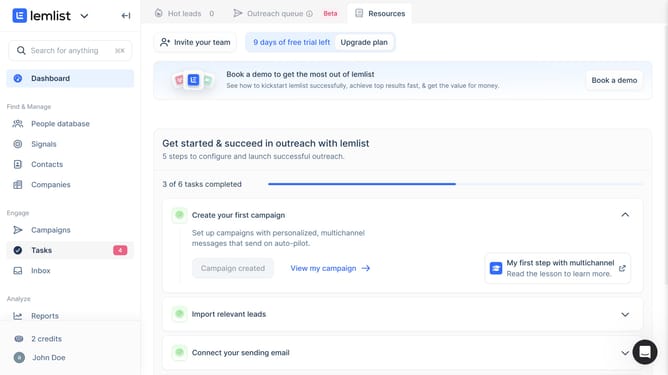
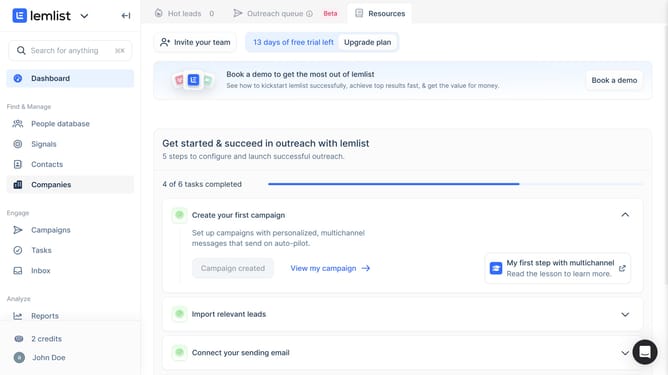
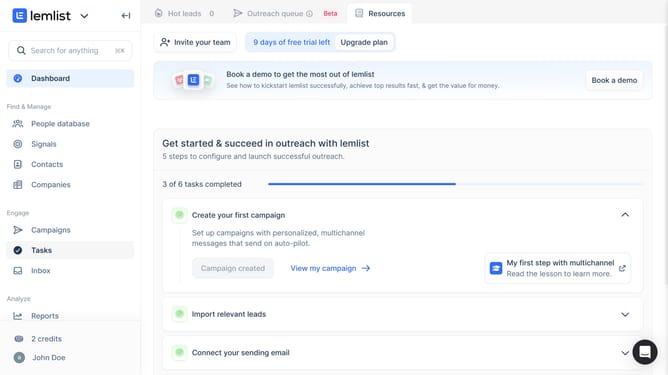
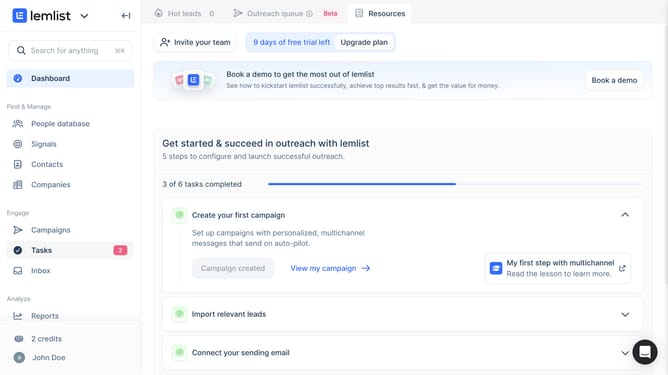
- First click on "Contacts" in the left sidebar under the Find & Manage section
- Then click on the "+" button in the top navigation bar to open create a new contact list option
- Next click on the three-dot menu icon next to a contact list entry that you want to delete
- Then click on "Delete list" option from the dropdown menu
- Finally click on "Confirm" button in the delete confirmation dialog
Why should you delete a contact list in Lemlist
Lemlist is a powerful platform designed to enhance your email outreach campaigns with ease and efficiency.
One of its standout features is the ability to seamlessly delete a contact list. This helps you maintain a cleaner database, ensuring your campaigns reach the right audience without any outdated or irrelevant contacts.
By regularly managing your contact lists, you can improve your engagement rates, prevent email fatigue for your subscribers, and stay focused on your core targets. This streamlining of contacts ultimately enhances your campaign's effectiveness.
Last update