How to resume a paused campaign in Lemlist
Here is how to resume a paused campaign in lemlist
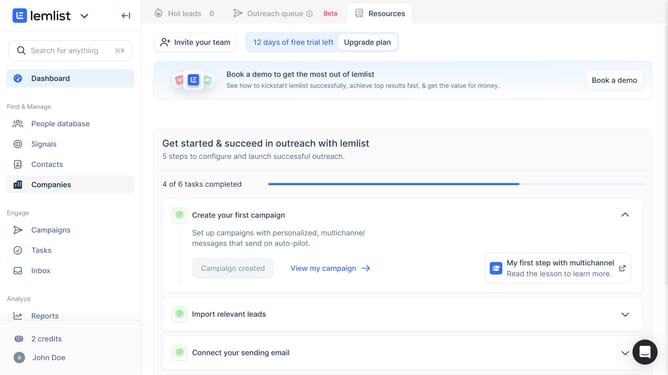
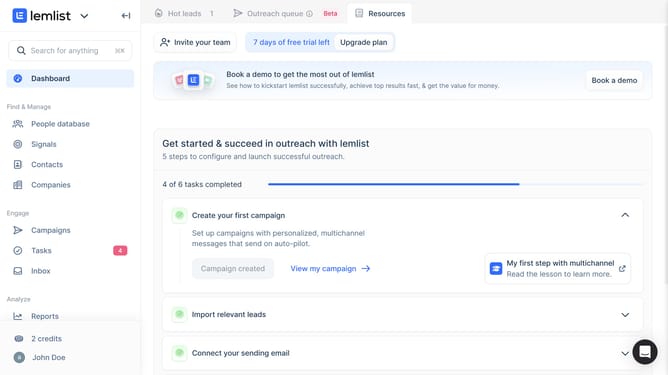
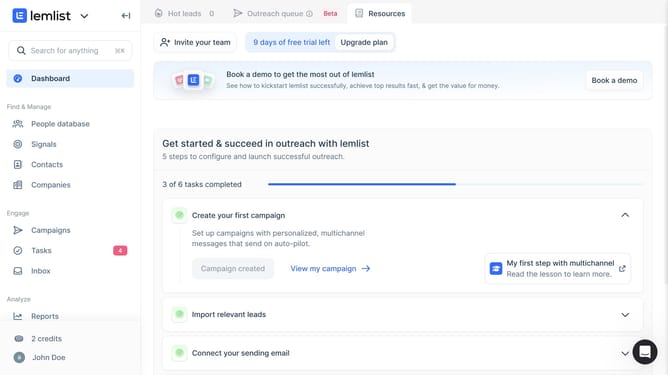
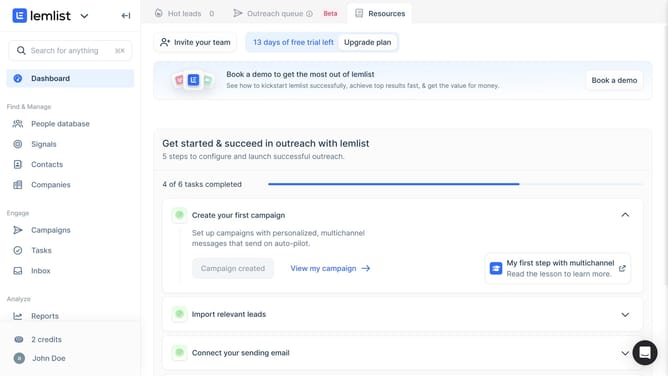
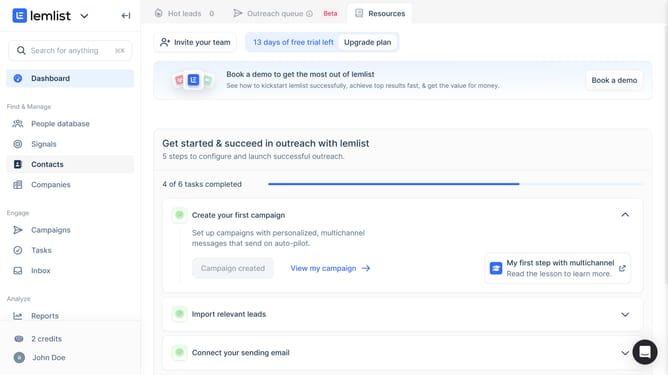
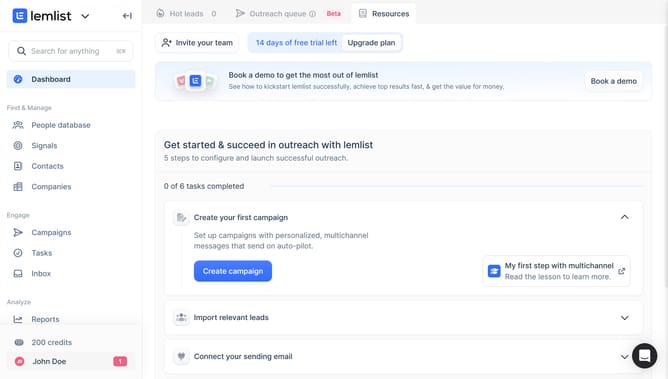
- First click on "Campaigns" menu item in the left sidebar under the Engage section
- Then click on the checkbox in the table header to select all campaigns
- Finally click on "Resume" button in the bottom action bar
Why should you resume a paused campaign in Lemlist
Lemlist is a dynamic platform designed to supercharge your email outreach and campaign management.
Resuming a paused campaign in Lemlist is an intuitive feature that enhances the flexibility of your marketing efforts.
This capability allows you to strategically halt your campaign and then effortlessly restart it at the perfect moment.
This feature ensures that your messaging aligns perfectly with your current objectives, optimizing engagement and maximizing efficiency.
Last update