How to create a list of companies in Lemlist
Here is how to create a list of companies in lemlist
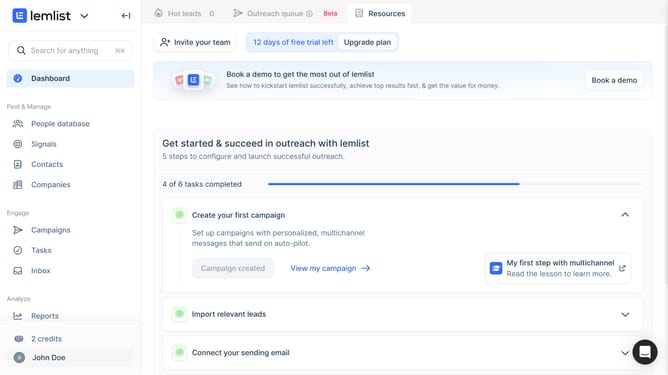
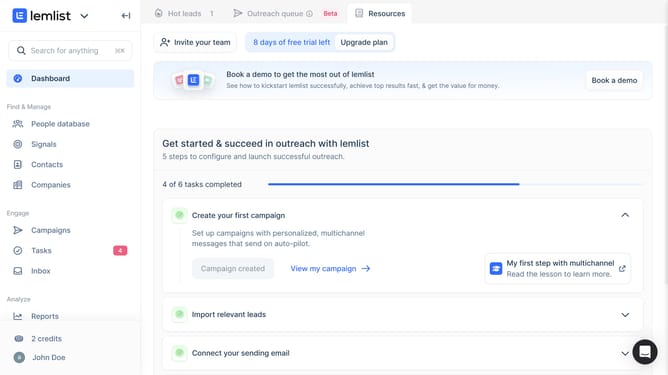
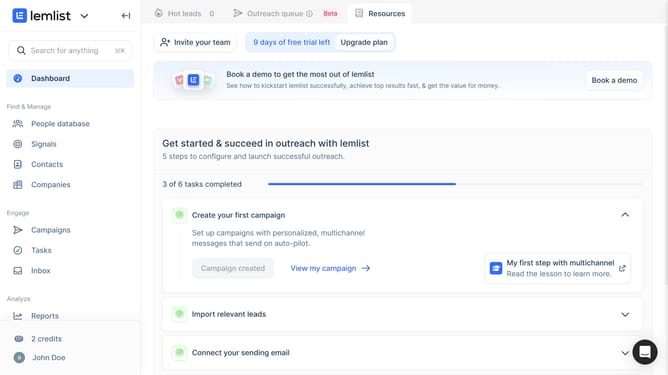
- First click on "Companies" in the left sidebar under the Find & Manage section
- Then click on the add new company button or plus icon in the top toolbar
- Next click on "New company list" button in the center of the main content area
- Then click on the "List name" text input field in the dialog box
- Finally click on "Create company list" button in the dialog box
Why should you create a list of companies in Lemlist
Lemlist is an innovative platform designed to enhance your email outreach and automate your sales campaigns.
The ability to create a list of companies in Lemlist streamlines your prospecting process by organizing potential leads efficiently. This feature allows users to compile comprehensive lists, segment their audience, and tailor outreach strategies accordingly.
Using this feature not only saves valuable time but also increases the effectiveness of marketing efforts by ensuring you target the right companies with personalized messages, ultimately boosting engagement and conversion rates.
Last update