How to delete a company contact in Lemlist
Here is how to delete a company contact in lemlist
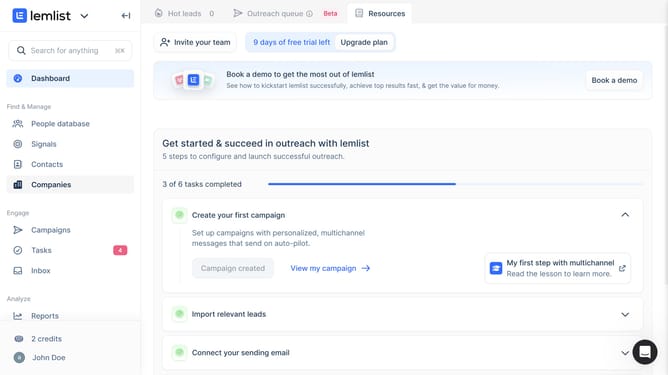
- First click on the "Companies" menu item in the left sidebar
- Then click on the checkbox next to the "Reachly" company row to select it
- Next click on the "More" button in the action bar at the bottom of the company list
- Then click on the "Delete" option from the dropdown menu
- Finally click on the "Confirm" button in the delete confirmation dialog
Why should you delete a company contact in Lemlist
Lemlist is a powerful platform designed to supercharge your email outreach campaigns.
Deleting a company contact in Lemlist simplifies managing your contact lists, ensuring your database remains precise and focused. This feature allows you to effortlessly remove outdated or irrelevant contacts, keeping your campaigns efficient and targeted.
By maintaining a clean and current contact list, your communication efforts become more streamlined, resulting in higher engagement rates and improved campaign outcomes.
Last update