How to sort company names alphabetically in Lemlist
Here is how to sort company names alphabetically in lemlist
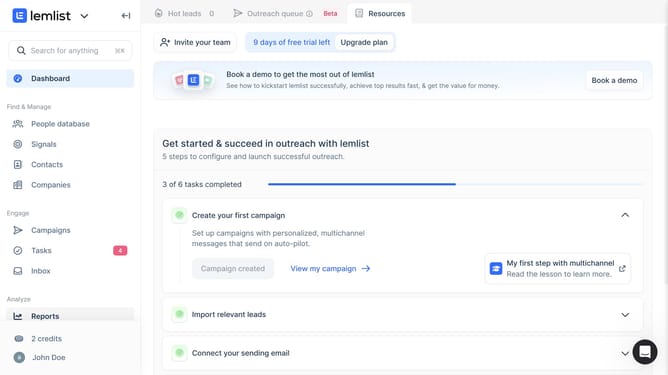
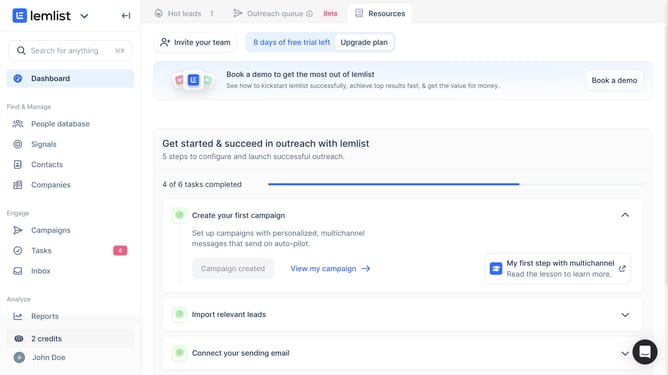
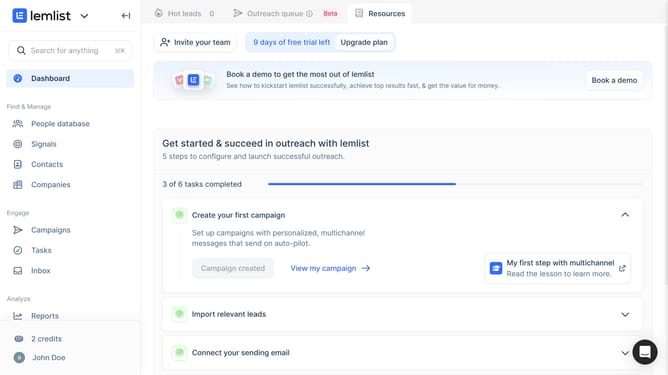
- First click on "Companies" in the left sidebar under the Find & Manage section
- Then click on the checkbox in the table header to select all companies
- Finally click on the sorting icon to sort or interact with the website field
Why should you sort company names alphabetically in Lemlist
Lemlist is a dynamic platform designed to enrich your email outreach campaigns with personalization and efficiency.
Sorting company names alphabetically in Lemlist offers a streamlined approach to managing your prospects, making it easier to locate and organize business contacts.
This simple feature saves valuable time and reduces the cumbersome task of manually sifting through disorganized lists. By employing alphabetical sorting, users can effortlessly maintain a structured database that enhances workflow and prioritizes productivity. Ultimately, this ensures a more organized and effective outreach strategy.
Last update