How to manage column position of contacts in Lemlist
Here is how to manage column position of contacts in lemlist
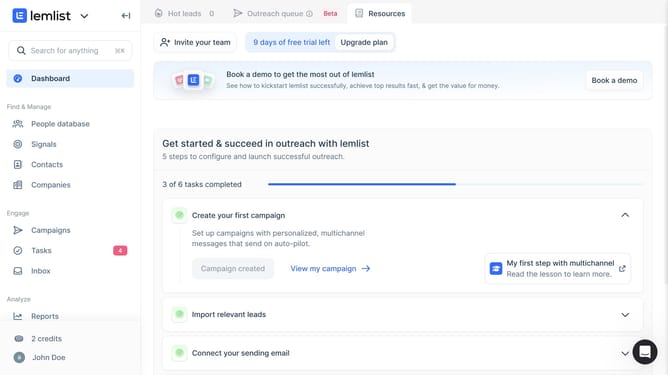
- First click on "Contacts" in the left sidebar under the Find & Manage section
- Then click on the column header that you want to move in the contacts table
- Finally click on the six dots icon and drag the column header to the new post
Why should you manage column position of contacts in Lemlist
Lemlist is a powerful tool designed to elevate your email outreach campaigns with personalization and automation.
One of its standout features allows you to manage the position of contact columns effortlessly. By customizing column positions, you gain better control over your data, ensuring that the most important information is always front and center.
This feature enhances visibility and streamlines workflow, leading to improved organization and efficiency in managing your contact list. Reordering columns to fit your unique preferences means faster access to critical details, ultimately boosting productivity.
Last update