How to rename a field in a contact in Lemlist
Here is how to rename a field in a contact in lemlist
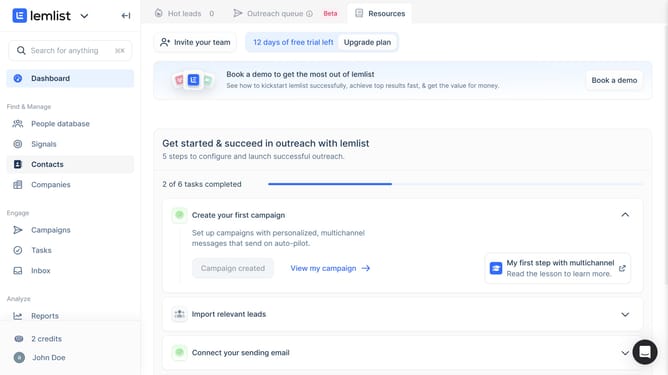
- First click on "Contacts" in the left sidebar under the Find & Manage section
- Then click on the contact name from the contacts list
- Next click on the three-dot menu button next to the field that you want to rename
- Then click on the "Field name" text input to edit the field name
- Finally click anywhere outside the field to save changes
Why should you rename a field in a contact in Lemlist
Lemlist empowers businesses to create personalized email outreach campaigns effortlessly.
One of its standout features is the ability to rename a field in a contact, offering seamless management of your contact list.
This flexibility ensures that your contact data remains relevant and organized, adapting to evolving needs without hassle.
By renaming fields, users can maintain better alignment with their campaign objectives, leading to more effective communication and nurturing stronger customer relationships.
Last update