How to manage reporting of leads in campaigh in Lemlist
Here is how to manage reporting of leads in campaigh in lemlist
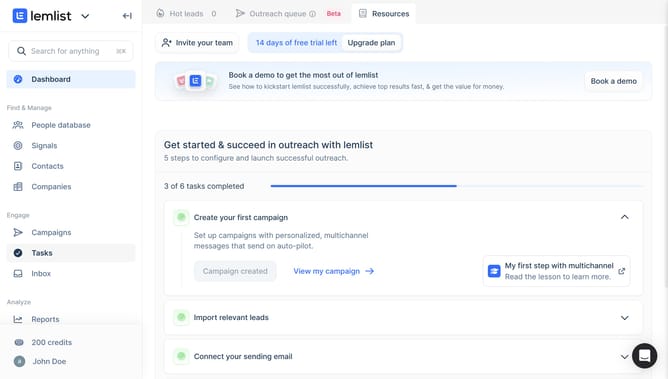
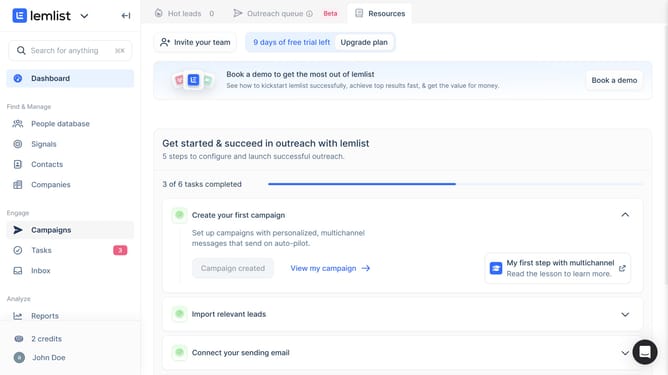
- First click on the "Reports" menu item in the left sidebar under the Analyze section
- Then click on the tab in the top navigation bar
- Next click on the dropdown in the top right corner of the leads table
- Then click on the checkbox option in the filters dropdown menu
- Finally click on the "Save for everyone" button in the top right corner to save the filter settings
Why should you manage reporting of leads in campaigh in Lemlist
Lemlist is a powerful tool designed to enhance your email outreach campaigns.
Managing the reporting of leads in campaigns with Lemlist allows you to efficiently track and analyze your efforts, ensuring your strategies are data-driven. This feature provides clear insights into how leads progress through your pipeline, showing which strategies are most effective.
Using Lemlist for lead reporting optimizes your campaign efficiency and maximizes ROI by giving you the tools to refine and improve your outreach methods based on actionable data.
Last update