How to change owner of a task in Lemlist
Here is how to change owner of a task in lemlist
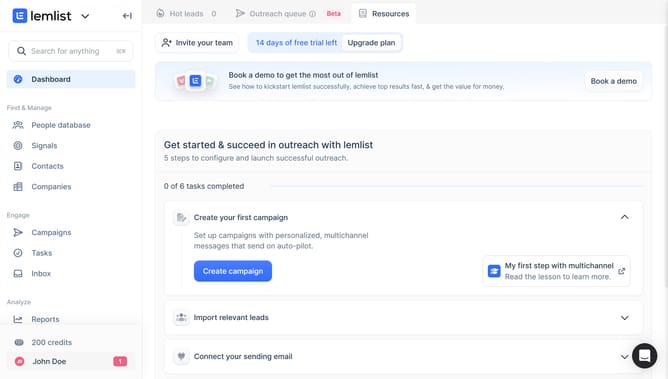
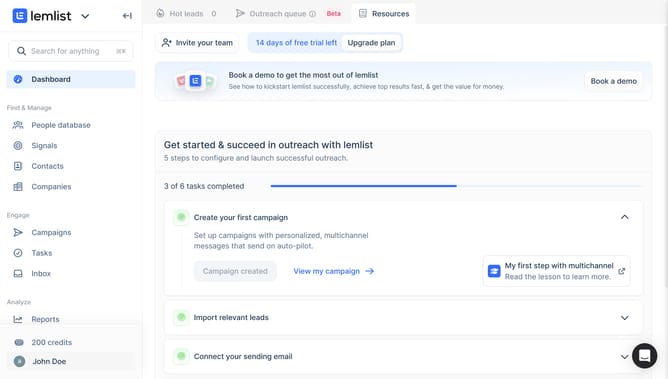
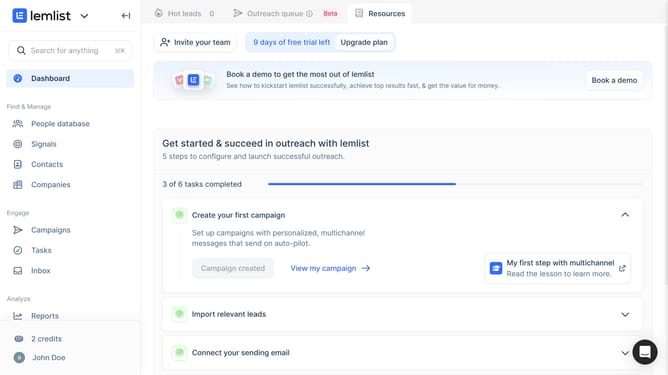
- First click on "Tasks" in the sidebar under the Engage section
- Then click on the checkbox next to the task that you want to manage to select it
- Next click on "Change owner" button in the bottom action bar
- Finally select the name of the new owner from the owner selection dropdown menu
Why should you change owner of a task in Lemlist
Lemlist is a powerful platform designed to enhance email campaigns with personalized outreach and automation features.
The ability to change the owner of a task in Lemlist is a highly beneficial feature for teams collaborating on projects. By reassigning task ownership, users can ensure that workflow remains uninterrupted, even if the original owner is unavailable.
This flexibility enhances team efficiency and ensures accountability by aligning tasks with the most appropriate person at any given time, ultimately optimizing resource management.
Last update