How to set timezone based schedule of a campaign in Lemlist
Here is how to set timezone based schedule of a campaign in lemlist
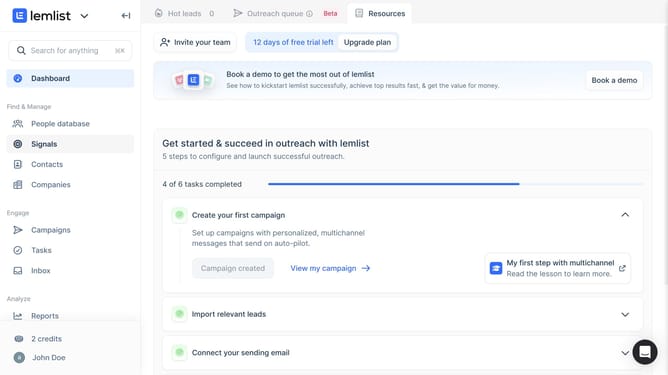
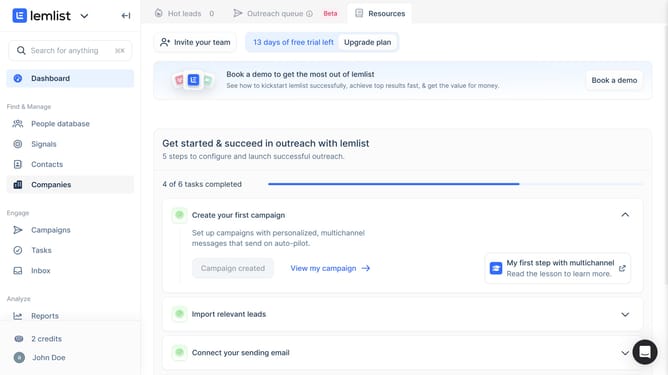
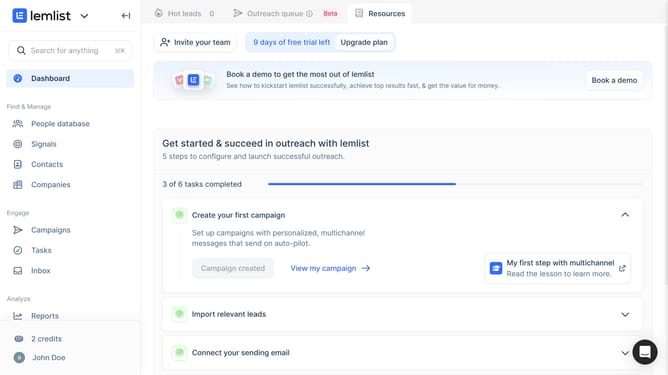
- First click on the "Campaigns" menu item in the left sidebar under the Engage section
- Then click on the three-dot menu button in the Actions column for the campaign that you want to mange
- Next click on "Campaign settings" option from the dropdown menu that appears
- Then click on the "Schedules & launch" option in the Settings sidebar menu
- Next click on the "Timezone based schedule" toggle switch to enable it
- Finally click on the "Save" button at the bottom of the schedule settings form
Why should you set timezone based schedule of a campaign in Lemlist
Lemlist is a cutting-edge platform designed to supercharge your email outreach campaigns.
One standout feature is its ability to set timezone-based schedules for campaigns. This allows users to fine-tune when their messages are sent, ensuring they reach recipients at optimal times.
By aligning your outreach efforts with the recipient's local time, you boost engagement and response rates significantly. This function ensures your communications aren't lost in time-zone gaps, improving overall campaign efficacy.
Last update