How to check pricing plans in Lemlist
Here is how to check pricing plans in lemlist
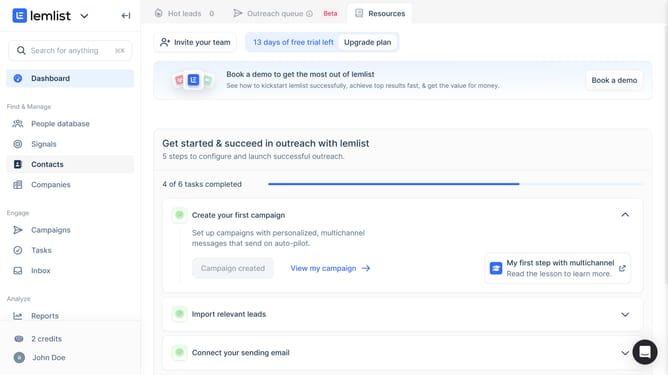
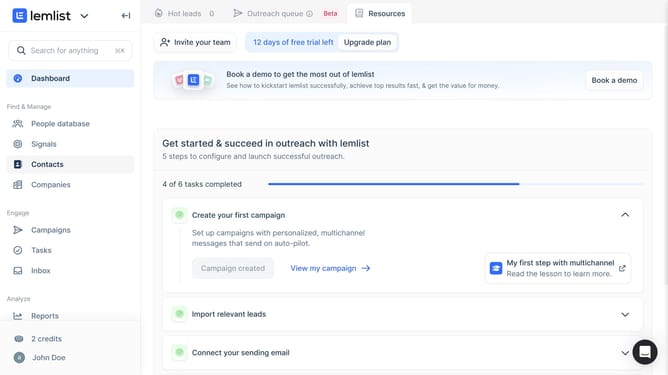
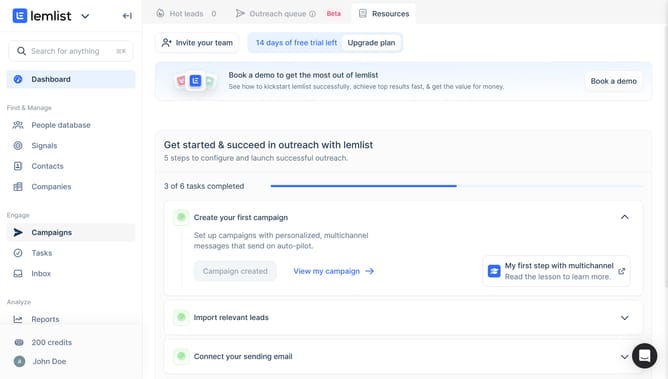
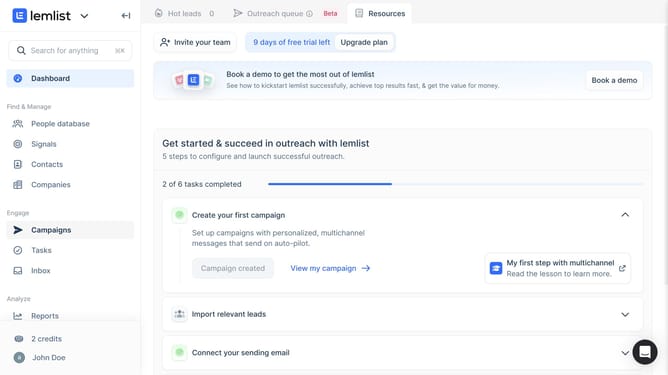
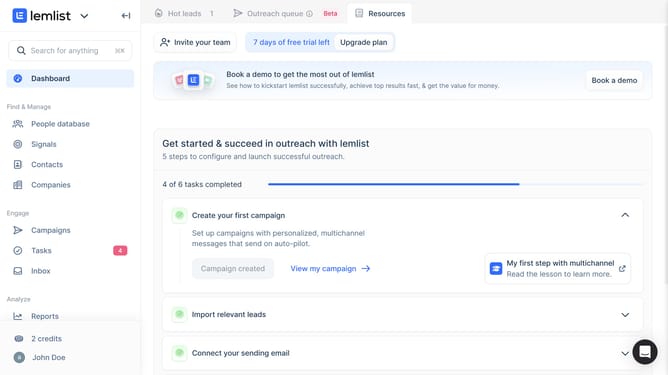
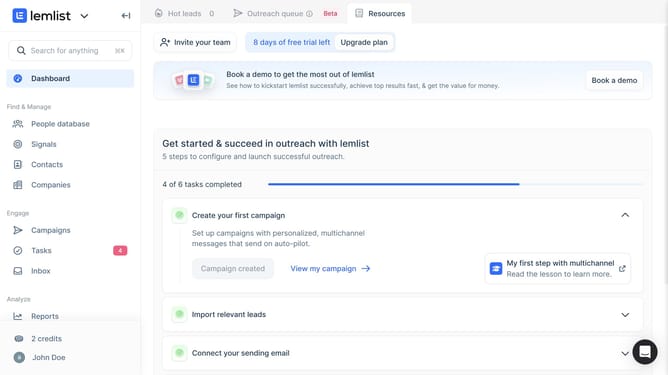
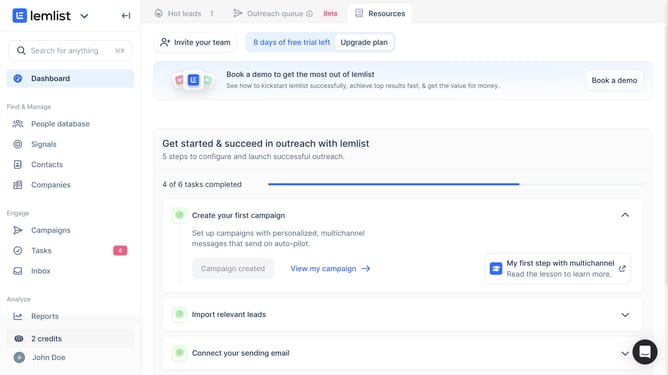
- First click on the "Upgrade plan" button in the top banner
- Then click on the currency dropdown menu showing in the top right area of the pricing modal
- Next select a currency from the dropdown menu
- Then click on the "Monthly" billing period tab to see pricing options
- Next click on the "Quarterly" billing period tab to see pricing options
- Finally click on the "Yearly" billing period tab to see pricing options
Why should you check pricing plans in Lemlist
Lemlist is a dynamic platform designed to optimize email outreach with personalized messages at scale.
Exploring pricing plans in Lemlist is straightforward, ensuring users can easily assess various subscription options that best fit their business needs.
Accessing this feature offers the advantage of understanding the full spectrum of available services, allowing users to make informed decisions tailored to their marketing goals.
This clarity fosters wiser investment in tools that enhance efficiency and maximize return on outreach efforts.
Last update