How to create a date field for a contact in Lemlist
Here is how to create a date field for a contact in lemlist
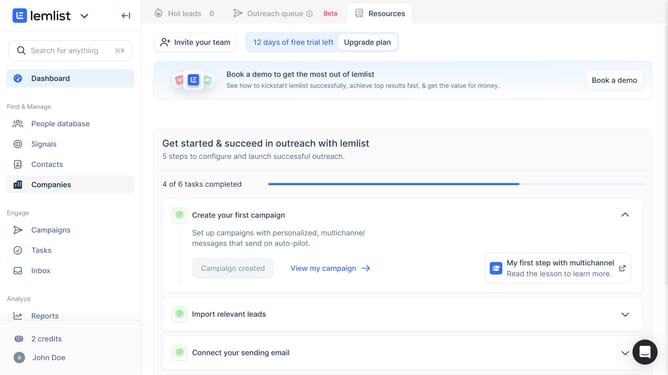
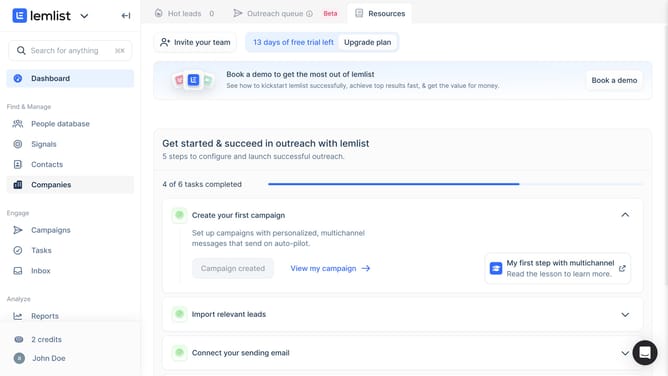
- First click on "Contacts" in the left sidebar under the Find & Manage section
- Then click on the contact name from the contacts list
- Next click on "Create contact field" button in the contact details panel
- Then click on the "Field name" input field and enter the field name
- Next click on the "Field type" dropdown menu to view available field types
- Then select "Date" option from the field type dropdown menu
- Finally click on "Create field" button to create the new contact field
Why should you create a date field for a contact in Lemlist
Lemlist is a dynamic platform designed to enhance your email outreach strategy.
Creating a date field for a contact in Lemlist is a powerful feature that enriches your database with crucial timeline details. This feature allows you to effectively track relationship milestones or important deadlines, offering a more personalized experience for your contacts.
Using a date field ensures your communications are timely and relevant, ultimately strengthening engagement and fostering long-term relationships with your audience.
Last update