How to update a contact's language in Lemlist
Here is how to update a contact's language in lemlist
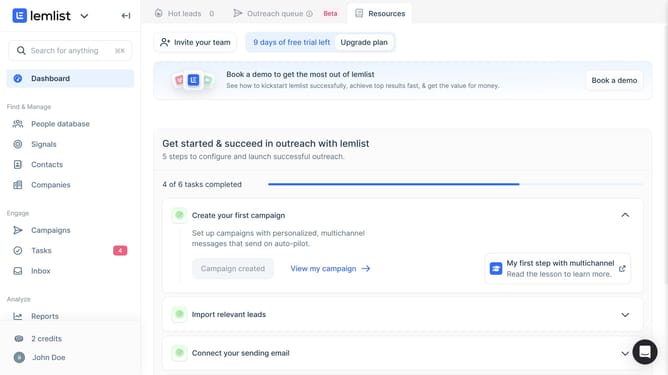
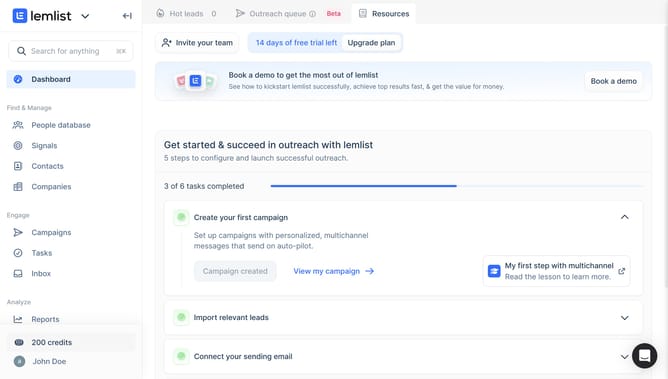
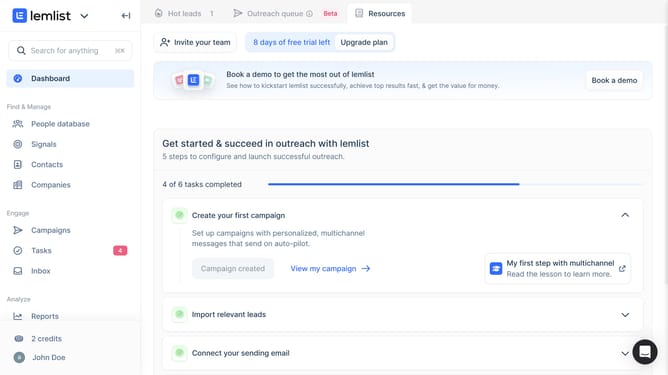
- First click on "Contacts" in the left sidebar under the Find & Manage section
- Then click on the name of the contact from the contacts list
- Then click on the "General" tab in the contact details panel
- Then click on the "Languages" input field in the contact details form
- Finally type the updated language in the Languages field
Why should you update a contact's language in Lemlist
Lemlist empowers businesses by streamlining their email outreach processes.
Updating a contact's language in Lemlist is a vital feature that ensures your campaigns are resonant and personal, thereby increasing engagement rates.
By tailoring communication to the preferred language of your audience, you're not just making your outreach efforts polite, but incredibly effective.
This feature enhances your ability to establish a more relatable and meaningful connection with your contacts, thereby optimizing your communication strategy effortlessly.
Last update