How to add a total call duration widget on reports in Lemlist
Here is how to add a total call duration widget on reports in lemlist
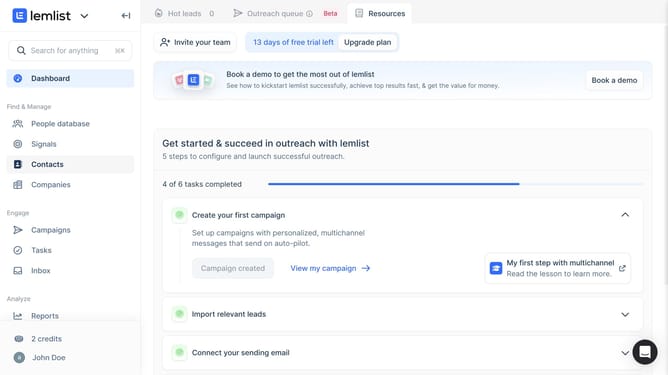
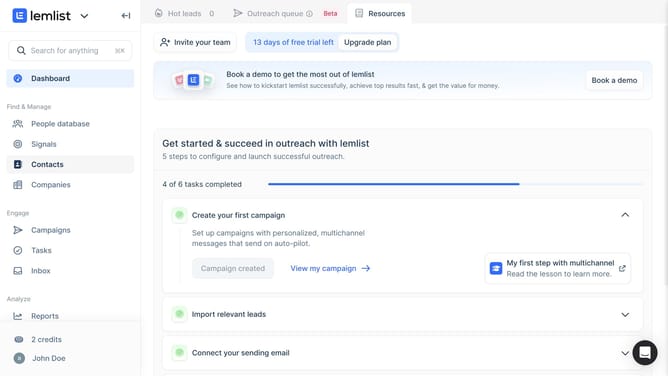
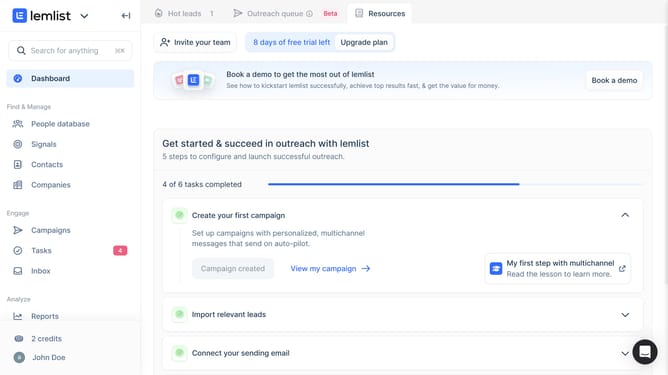
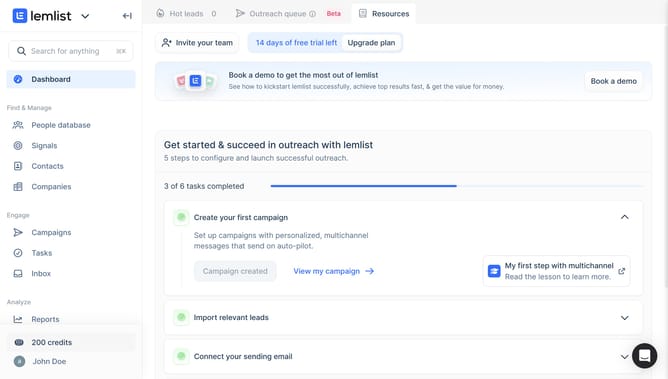
- First click on "Reports" in the left sidebar under the Analyze section
- Then click on a tab in the top navigation bar
- Next click on "Add widget" button in the center of the main content area
- Then click on "Add widget" button within the "Total Call Duration (in minutes)" widget card
- Finally click on "Save for everyone" button in the top right corner of the page
Why should you add a total call duration widget on reports in Lemlist
Lemlist is an innovative platform designed to elevate your email outreach campaigns.
The total call duration widget in Lemlist allows you to seamlessly incorporate detailed analytics into your reports. This feature enriches your understanding of call engagement, enabling you to assess the effectiveness of your communication strategy.
By adding the total call duration widget, you can easily track and visualize how much time is being spent on calls. This insight can drive better decision-making and strategy adjustments, ensuring maximum efficiency in your outreach efforts.
Last update