How to create a contact list in Lemlist
Here is how to create a contact list in lemlist
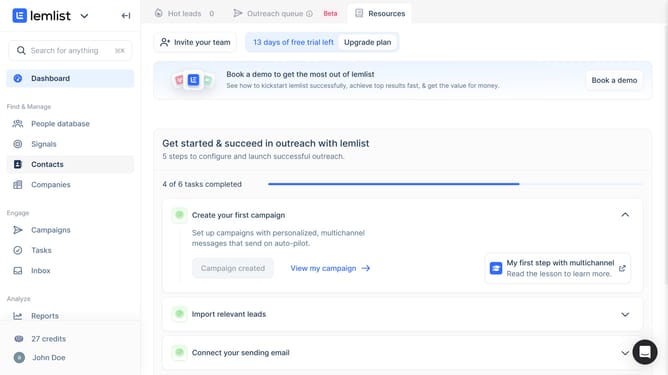
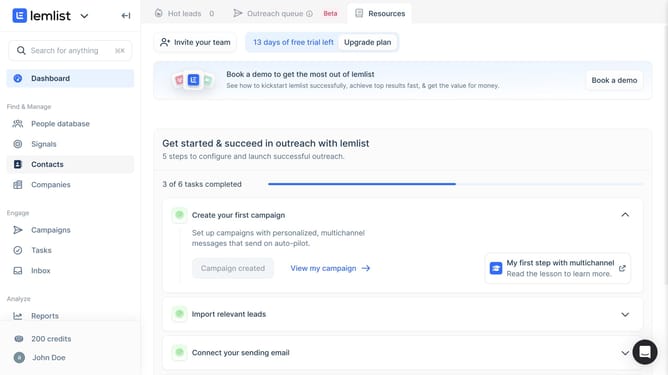
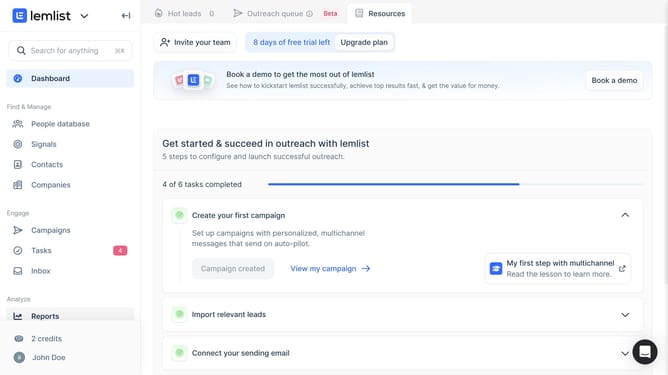
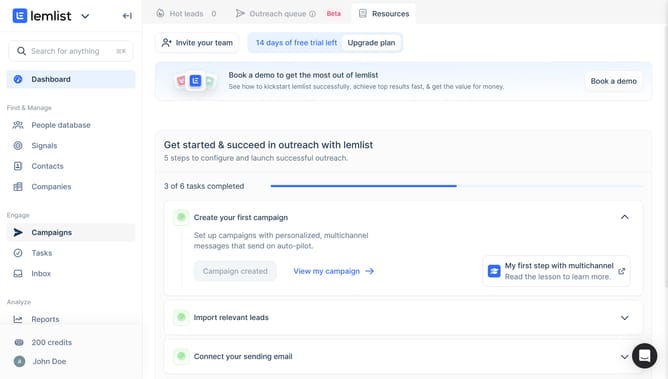
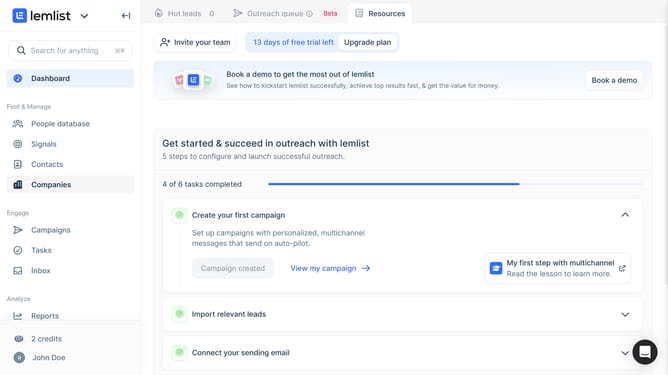
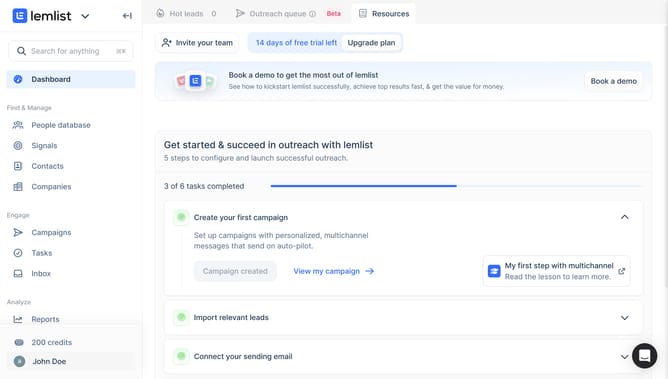
- First click on "Contacts" in the left sidebar under the Find & Manage section
- Then click on the plus sign in the top toolbar
- Then click on "Create contact list" button in the main content area
- Finally click on "Create contact list" button in the dialog modal to confirm creation
Why should you create a contact list in Lemlist
Lemlist is an innovative platform designed to supercharge your email outreach campaigns with personalization and automation.
Creating a contact list in Lemlist is a pivotal feature that allows users to manage and customize recipient lists effortlessly. This feature empowers users to tailor their communications and ensure that emails reach the right audience.
By using this capability, users can optimize engagement rates, streamline workflow, and boost the efficiency of their email marketing campaigns.
Last update