How to manage timezone settings in Lemlist
Here is how to manage timezone settings in lemlist
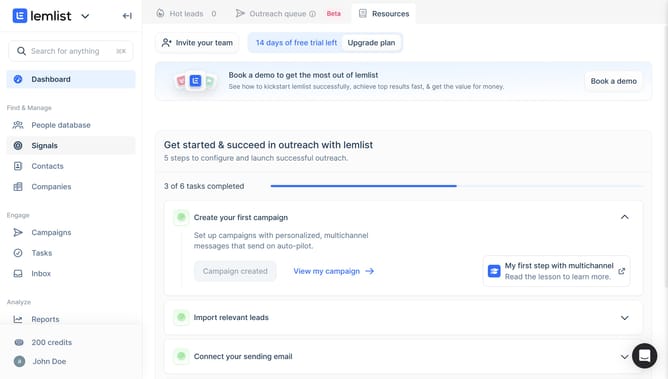
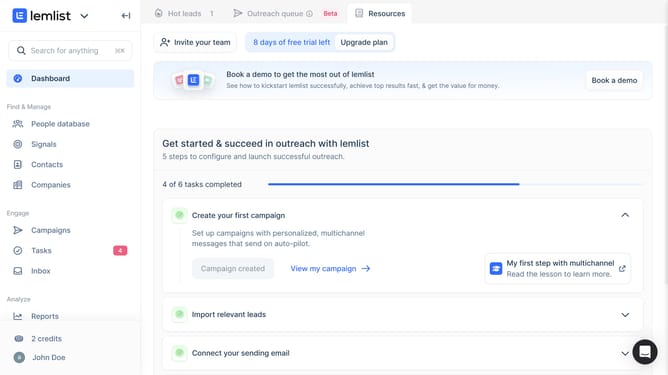
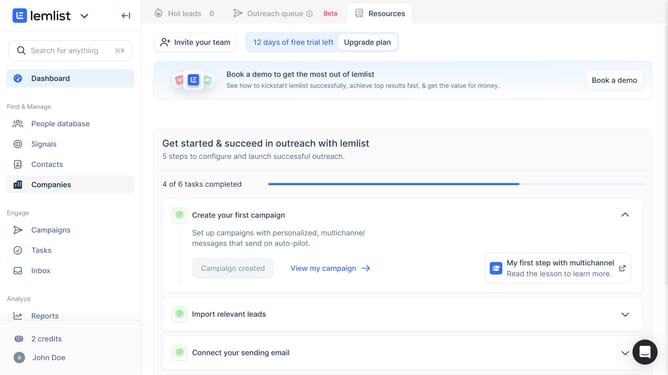
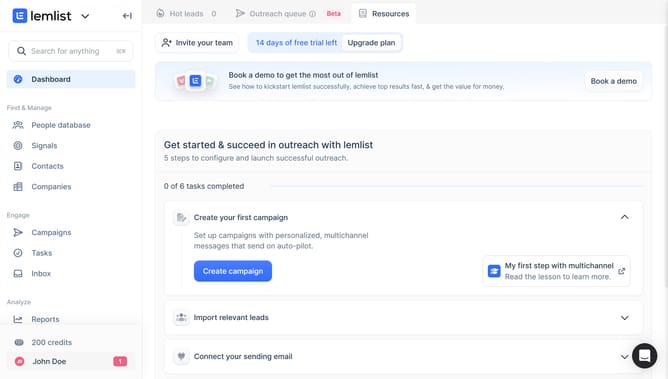
- First click on your profile in the bottom left sidebar
- Then click on the "Settings" option in the user menu dropdown
- Next click on the "Timezone" dropdown field in the Account settings section
- Finally select a timezone from the dropdown list that appears
Why should you manage timezone settings in Lemlist
Lemlist is a powerful tool designed to enhance email outreach with personalized and automated campaigns.
One standout feature of Lemlist is the ability to manage timezone settings, which ensures your emails are sent at optimal times no matter where your target audience is located.
By correctly aligning your email schedules with recipients' local time, you increase the chances of engagement and response, thus making your campaigns more effective.
This feature not only improves open rates but also helps in building a stronger connection with your audience.
Last update