How to add call an API task in Lemlist
Here is how to add call an api task in lemlist
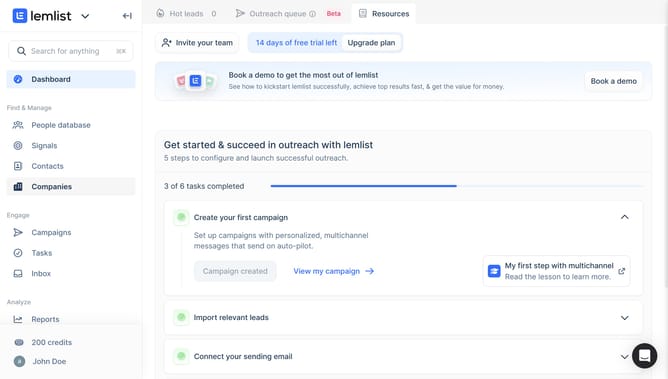
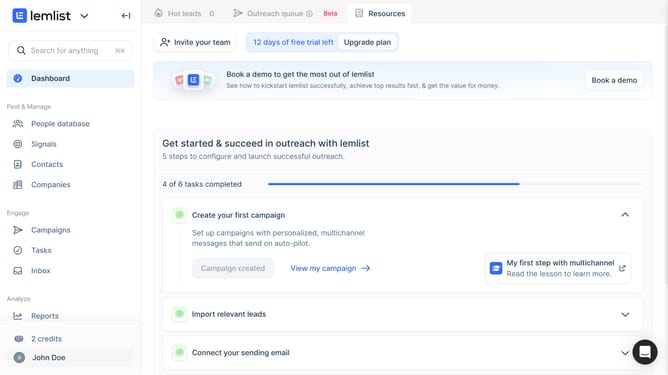
- First click on the "Campaigns" menu item in the left sidebar under the Engage section
- Then click on the campaign name from the campaigns list in the main content area
- Next click on the add step button (plus icon) below the email step in the sequence workflow
- Next click on the add step button or plus icon in the sequence workflow
- Finally click on the "URL" input field in the API configuration panel on the right side
Why should you add call an API task in Lemlist
Lemlist is a dynamic platform that supercharges your email outreach campaigns for better engagement and conversions.
One remarkable feature of Lemlist is the ability to add a call to an API task, which enhances automation within your outreach efforts. Integrating API calls allows seamless interaction with other software and data, ensuring real-time updates and synchronized actions across platforms.
This feature is ideal for businesses aiming to streamline processes, reduce manual workload, and optimize campaign efficiency with precision and ease. By leveraging API calls, users can significantly boost their productivity and data accuracy in managing their outreach strategies.
Last update