How to set priority of a task in Lemlist
Here is how to set priority of a task in lemlist
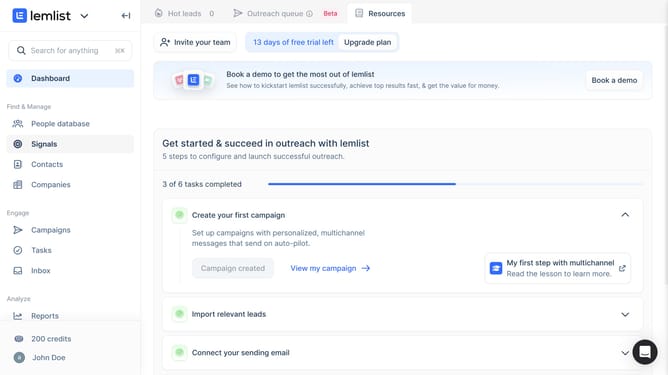
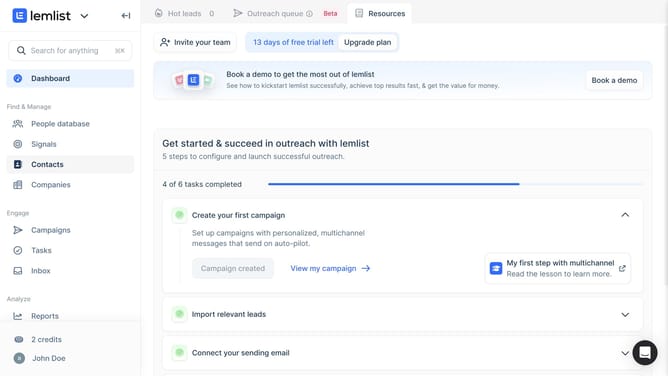
- First click on "Tasks" in the sidebar under the Engage section
- Then click on the checkbox next to the task that you want to manage to to select it
- Then click on "Set priority" button in the bottom action bar
- Finally click an option in the priority dropdown menu
Why should you set priority of a task in Lemlist
Lemlist is a dynamic tool designed to supercharge your email outreach campaigns.
Setting priority for tasks within Lemlist enhances your workflow by ensuring that the most crucial tasks receive attention first. This feature fosters efficiency and allows users to organize campaigns effectively.
By prioritizing tasks, you can streamline operations and focus on what impacts your objectives the most. Ultimately, this empowers users to manage resources better and achieve goals with increased clarity and focus.
Last update