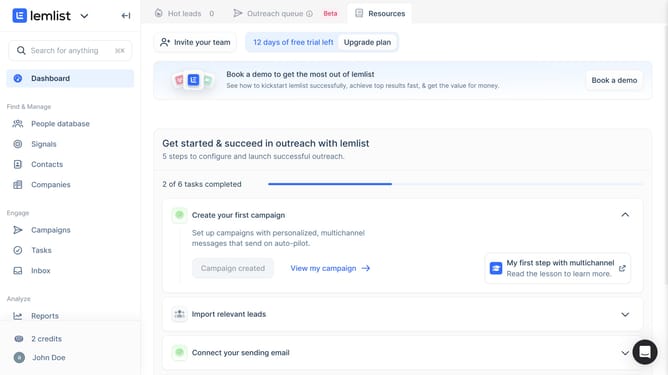
How to create email templates in Lemlist
Here is how to create email templates in lemlist
- First click on the profile button in the bottom left sidebar
- Then click on the "Templates" option in the user menu
- Next click on the "Emails" tab in the top navigation bar
- Then click on the "Create new template" button at the bottom of the templates list
- Enter a template name in the text input field of the "Create a template" dialog
- Then click on the "Confirm" button to create the template
- Next click on the "Subject" field in the email template editor
- Finally click on the email content text area to begin writing the email body
Why should you create email templates in Lemlist
Lemlist is a powerful platform designed to supercharge your outreach efforts with automation and personalization.
Creating email templates in Lemlist is incredibly intuitive, designed to boost your efficiency and streamline your communication strategy.
By crafting templates, you can ensure consistency in messaging while saving valuable time. This feature enables you to focus on personalizing your outreach without reinventing the wheel each time.
Utilizing email templates ensures a uniform professional tone, enhancing brand perception and engagement with your audience.
Last update