How to add a note on a company contact in Lemlist
Here is how to add a note on a company contact in lemlist
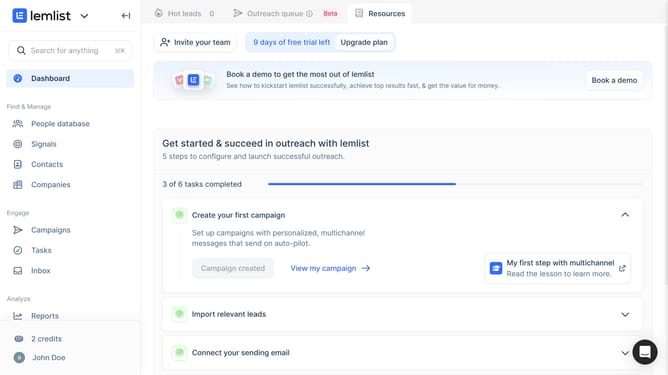
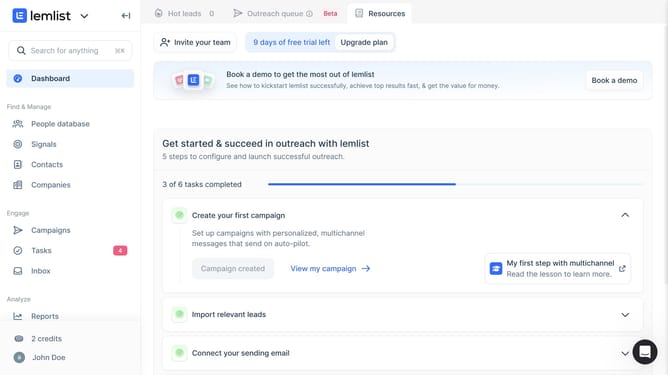
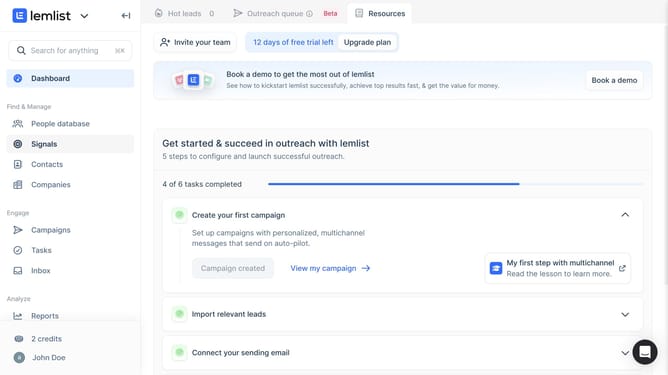
- First click on "Companies" in the left sidebar under the Find & Manage section
- Then click on the company name in the companies list table
- Then click on the "Activities" tab in the company details panel header
- Then click on the "Add" dropdown button in the Activities tab header
- Then click on "Add note to company" option from the dropdown menu
- Then click in the text input field and type the note content in the "Add note to company" dialog
- Then click on the "Add note" button to save the note in the dialog
- Then click on another tab in the company details panel header to refresh changes
- Then click on the "Activities" tab again in the company details panel header to see your added note
Why should you add a note on a company contact in Lemlist
Lemlist is a dynamic platform tailored to enhance personalized email outreach for businesses.
One of its essential features is the ability to add notes on company contacts, which proves invaluable for maintaining detailed records and enhancing communication strategies.
Adding notes allows teams to log important information, fostering more meaningful interactions. This feature ensures that everyone on your team stays informed, leading to more coordinated and effective customer engagement.
Last update