How to add a message sent overtime widget on reports in Lemlist
Here is how to add a message sent overtime widget on reports in lemlist
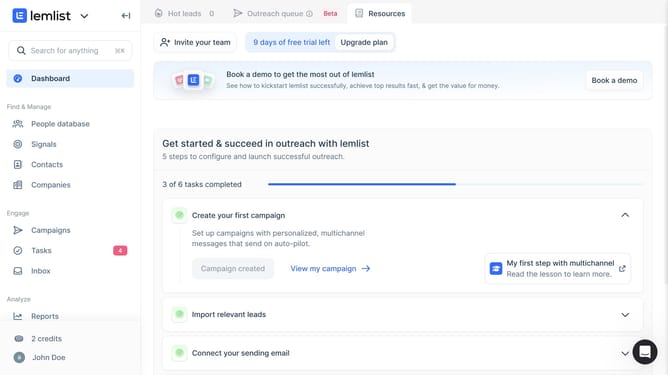
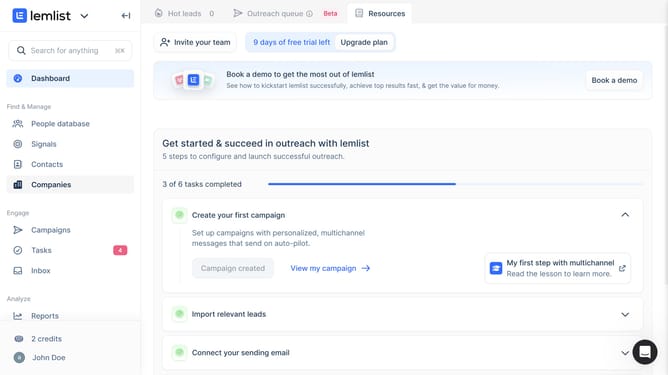
- First click on "Reports" in the left sidebar under the Analyze section
- Then click on the tab you want to open in the top navigation bar
- Next click on "Add widget" button in the empty widget area
- Then click on "Add widget" button within the "Messages sent over time" widget card in the modal dialog
- Finally click on "Save for everyone" button in the top right corner of the page
Why should you add a message sent overtime widget on reports in Lemlist
Lemlist is a powerful platform designed to elevate your outreach campaigns with personalized emails and automation.
The "message sent overtime" widget is a valuable feature you can add to your reports. This widget provides a visual representation of how your messages perform over time, allowing you to track engagement patterns seamlessly.
Using this widget, you gain actionable insights into the optimal times and days for sending your messages, improving your campaign's overall effectiveness and engagement rates.
Last update