How to manage language settings in Lemlist
Here is how to manage language settings in lemlist
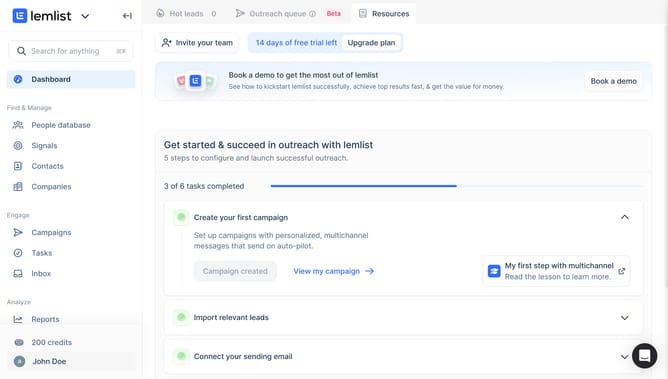
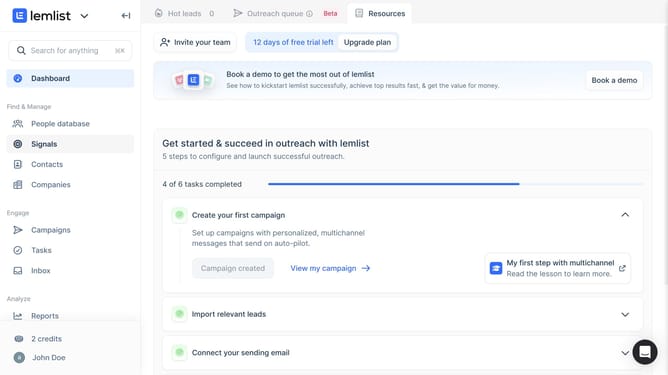
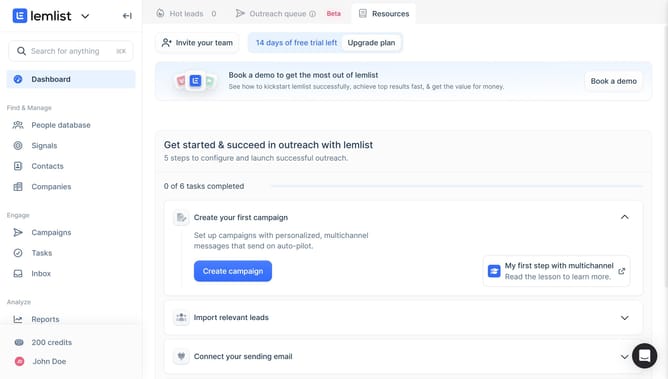
- First click on the profile in the bottom left sidebar
- Then click on the "Settings" option in the dropdown menu
- Next click on the "Language" dropdown in the Appearance section
- Finally select a language option from the expanded dropdown menu
Why should you manage language settings in Lemlist
Lemlist is an innovative platform designed to enhance email outreach and engagement.
Managing language settings in Lemlist allows users to personalize their communication effectively. This feature is essential in ensuring that your message resonates with diverse audiences globally.
By adjusting the language settings, you can cater your campaigns to multiple demographics, increasing the relatability and impact of your emails. This capability is crucial for businesses looking to expand their reach internationally while maintaining a local touch.
Leveraging this feature enhances overall engagement, increases response rates, and makes your outreach efforts more inclusive and effective.
Last update