How to delete a step in Lemlist
Here is how to delete a step in lemlist
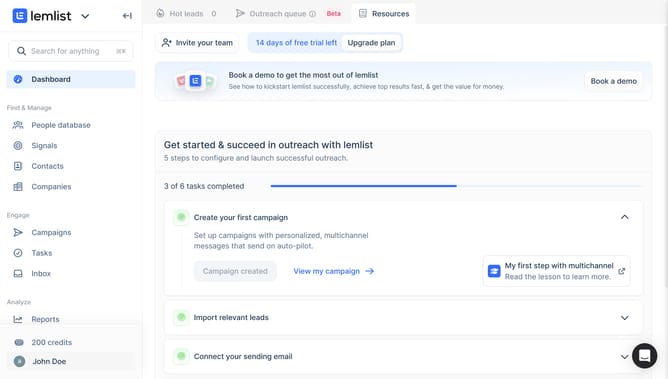
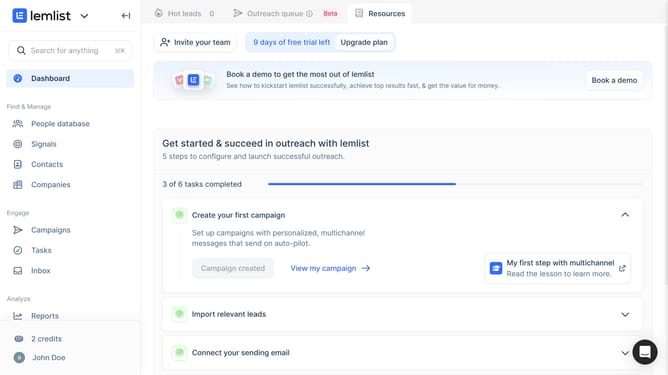
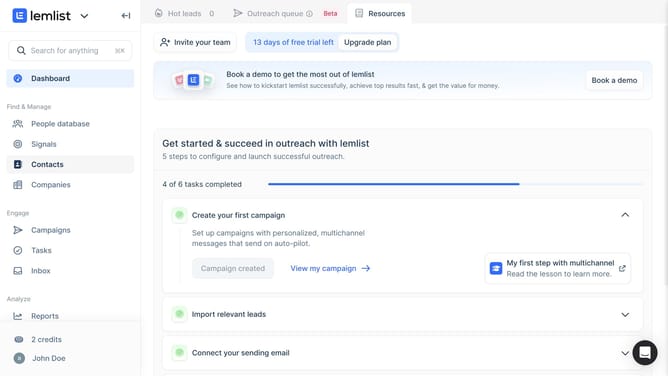
- First click on "Campaigns" in the left sidebar under the Engage section
- Then click on the campaign name in the campaigns list table
- Then click on the three-dot menu button for the step in the campaign sequence that you want to delete
- Finally click on "Delete this step" option in the dropdown menu
Why should you delete a step in Lemlist
Lemlist is an innovative platform designed to personalize and automate your email outreach campaigns seamlessly.
One of its beneficial features is the ability to delete a step in your campaign process. This feature allows you to efficiently manage and refine your outreach sequences, ensuring your messages remain relevant and timely.
Utilizing this feature helps maintain a streamlined and targeted communication strategy, enhancing overall response rates and engagement levels.
Last update