How to change the reporting period lead funnel overtime in Lemlist
Here is how to change the reporting period lead funnel overtime in lemlist
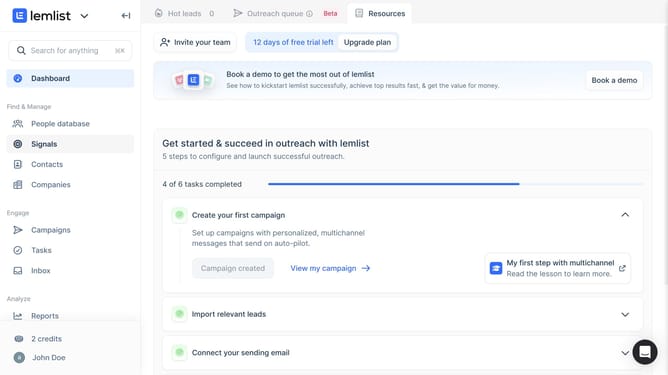
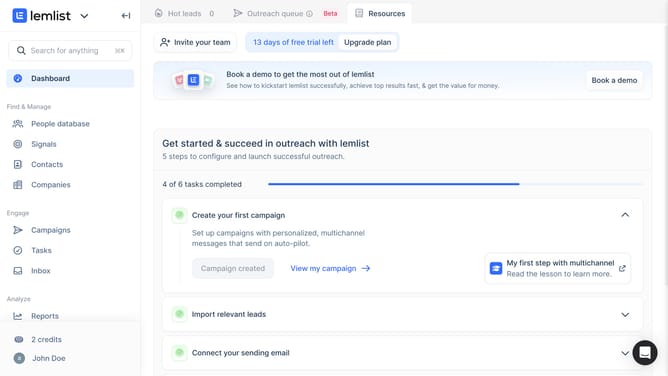
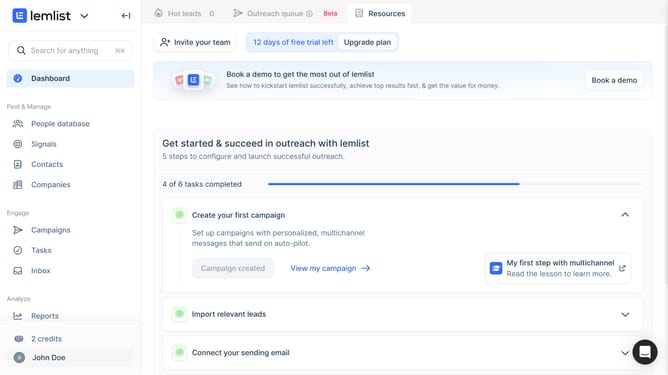
- First click on the "Reports" menu item in the left sidebar under the Analyze section
- Then click on the tab in the top navigation bar
- Next click on the dropdown button in the chart controls area
- Then select "Weekly" option from the time period dropdown menu
- Finally click on the "Save for everyone" button in the top right corner of the page
Why should you change the reporting period lead funnel overtime in Lemlist
Lemlist is a powerful platform designed to supercharge your email outreach campaigns.
One of its standout features is the ability to adjust the reporting period of the lead funnel over time.
This feature allows users to customize data views, enabling nuanced analysis of campaign performance.
By tailoring the reporting period, businesses can gain insights that are relevant to specific time frames, enhancing strategic decision-making and optimizing lead conversion rates.
Last update