How to remove a filter on contact list in Lemlist
Here is how to remove a filter on contact list in lemlist
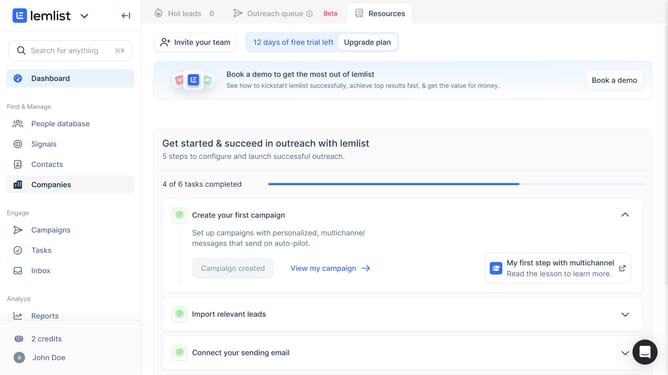
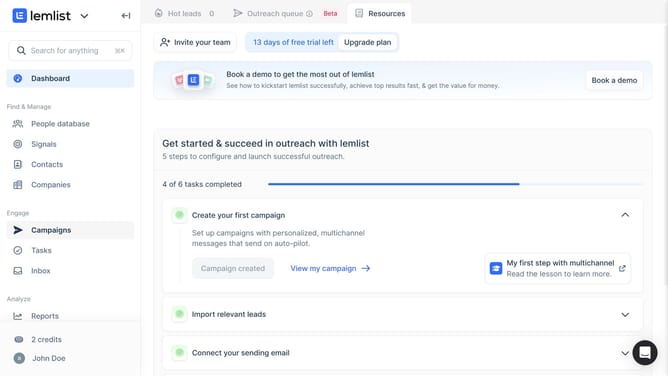
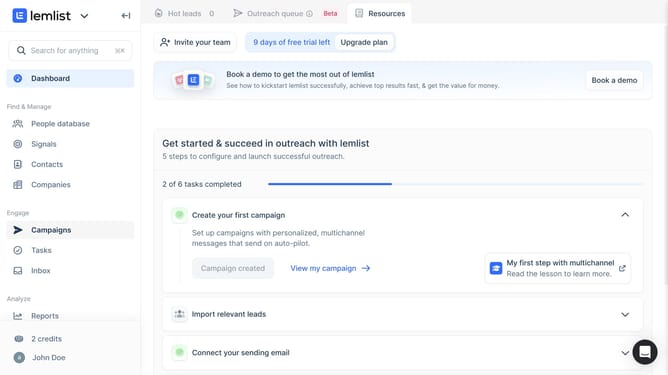
- First click on "Contacts" in the left sidebar under the Find & Manage section
- Then click on "Filters" button in the top toolbar to apply contact filters
- Finally click on the close button (×) next to the filter tag to remove the filterr
Why should you remove a filter on contact list in Lemlist
Lemlist is an innovative tool designed to supercharge your email outreach campaigns effortlessly.
Managing contact lists efficiently in Lemlist is crucial for optimizing your campaigns. The ability to remove a filter from your contact list is key in maintaining flexibility and ensuring you reach the right audience.
By easily removing filters, you can cleanse your list of unnecessary restrictions, allowing for a more dynamic and responsive marketing strategy. This enhances your ability to adapt to new data insights and improves campaign outcomes, making Lemlist a vital asset for any marketer.
Last update