How to reply to a message in Lemlist
Here is how to reply to a message in lemlist
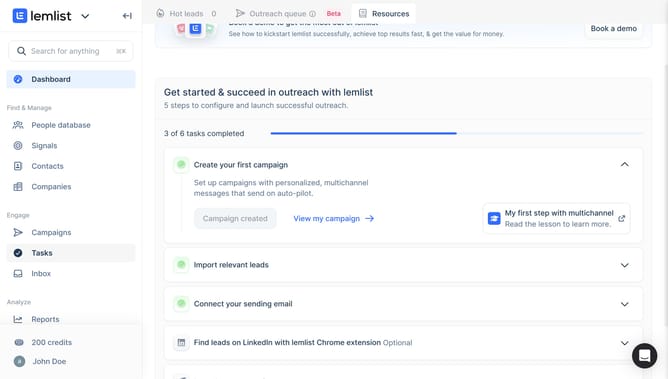
- First click on "Inbox" in the left sidebar under the Engage section
- Then click on a in the conversations list
- Then click on the message composition field at the bottom of the screen and enter your message
- Finally click on the "Send" button to send the email
Why should you reply to a message in Lemlist
Lemlist is an innovative platform designed to revolutionize your email outreach campaigns with personalized content and seamless automation.
The feature that allows users to reply to messages directly within Lemlist offers unparalleled convenience and efficiency. By streamlining your communication process, Lemlist helps ensure responses are timely and engaging.
Embracing this feature reduces response time, maintains the momentum in your conversations, and fosters stronger relationships, thereby boosting your campaign success exponentially.
Last update