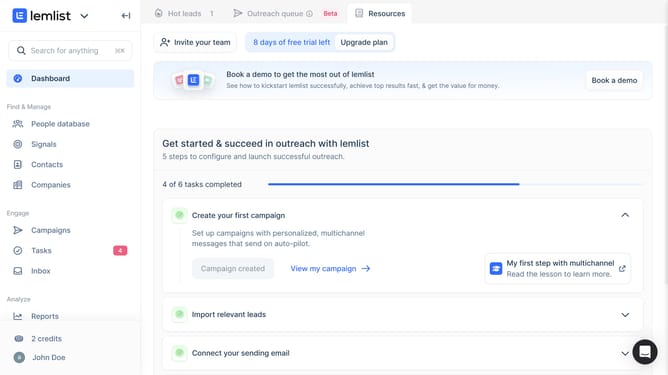
How to preview messages in Lemlist
Here is how to preview messages in lemlist
- First click on "Campaigns" in the left sidebar under the Engage section
- Then click on the campaign name in the campaigns list
- Next click on the "Preview" button in the bottom right corner of the email content editor
- Finally click on the close button or X in the top right corner of the Email Step Preview modal
Why should you preview messages in Lemlist
Lemlist is an innovative platform designed to amplify your cold email outreach with personalization at its core.
The message preview feature in Lemlist allows users to double-check their email drafts before sending, ensuring each message hits the right tone and content.
By allowing you to visualize your emails in advance, the preview feature reduces errors and enhances accuracy, making your outreach more professional and effective.
This capability empowers you to maintain a polished communication strategy, increasing the chances of making meaningful connections with potential clients.
Last update