How to view credits history in Lemlist
Here is how to view credits history in lemlist
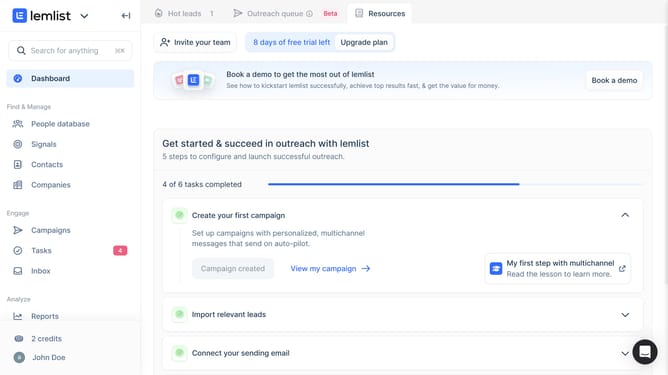
- First click on "Credits" link in the sidebar under the Analyze section
- Then click on "View history" button in the credits popup
- Finally click on "Summary per user" tab in the Credits spent history modal
Why should you view credits history in Lemlist
Lemlist is a powerful tool designed to enhance your email marketing campaigns through personalization and automation.
One of the key features in Lemlist is the ability to view your credits history. This feature provides a comprehensive overview of your credits usage, ensuring you can efficiently manage your resources.
By keeping track of credits, you can plan future campaigns with ease and avoid unexpected limits, optimizing your workflow.
Understanding your credits history also leads to more informed decisions, helping you streamline costs while maximizing outreach efforts.
Last update