How to duplicate a campaign in Lemlist
Here is how to duplicate a campaign in lemlist
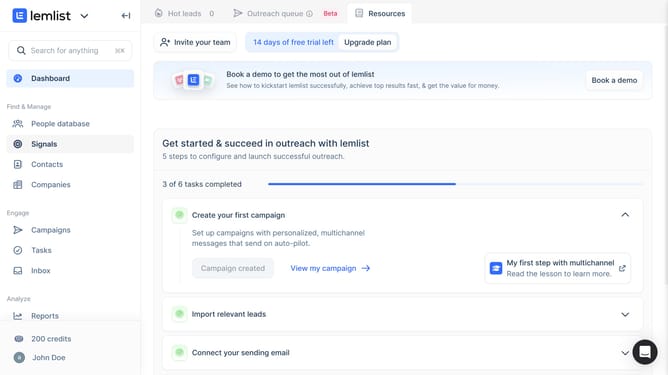
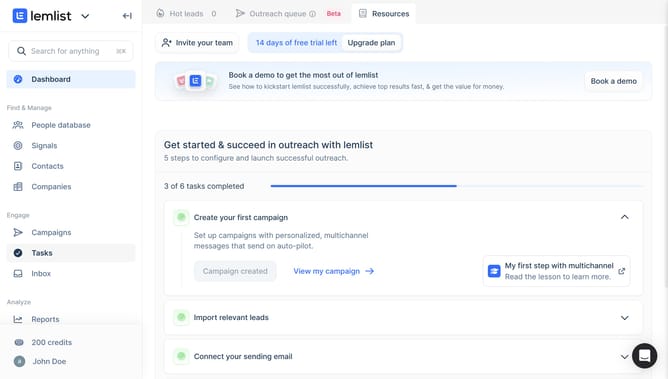
- First click on "Campaigns" in the left sidebar under the Engage section
- Then click on the three-dot menu button in the Actions column for the campaign that you want to duplicate
- Finally click on "Duplicate" option from the dropdown menu
Why should you duplicate a campaign in Lemlist
Lemlist is a dynamic platform designed to enhance your email outreach by personalizing and automating campaigns.
Duplicating a campaign in Lemlist is a streamlined feature that enables you to effortlessly replicate successful strategies. This process saves time by allowing you to quickly reuse structures of previous campaigns without starting from scratch.
Utilizing this feature maximizes efficiency and ensures consistency across outreach efforts, making campaign management more effective. By easily duplicating campaigns, you can maintain momentum and focus on refining your strategies for improved results.
Last update