How to download attachments on a card in Trello
Here is how to download attachments on a card in trello
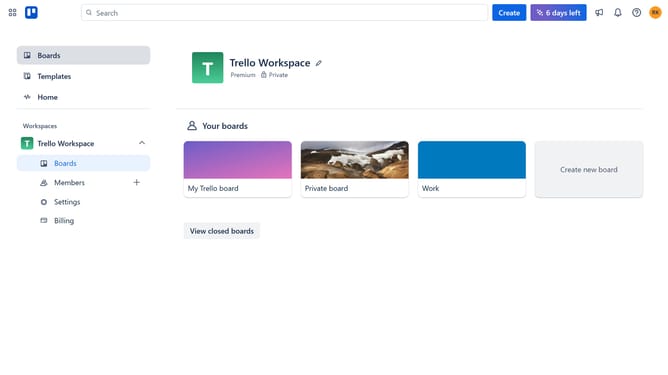
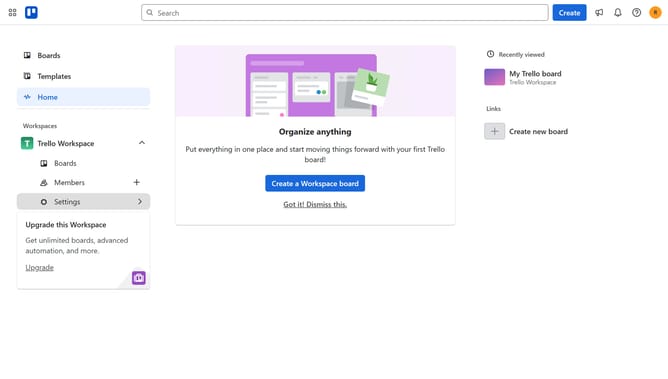
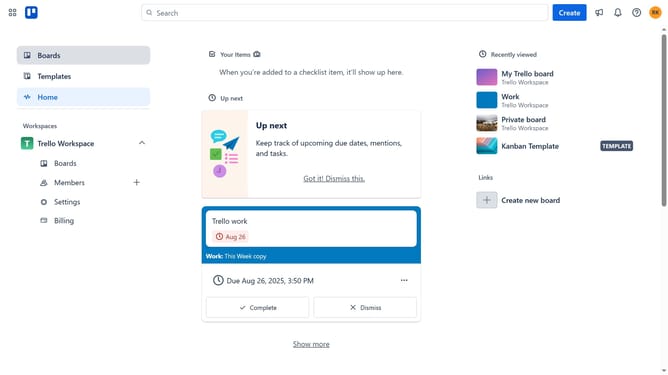
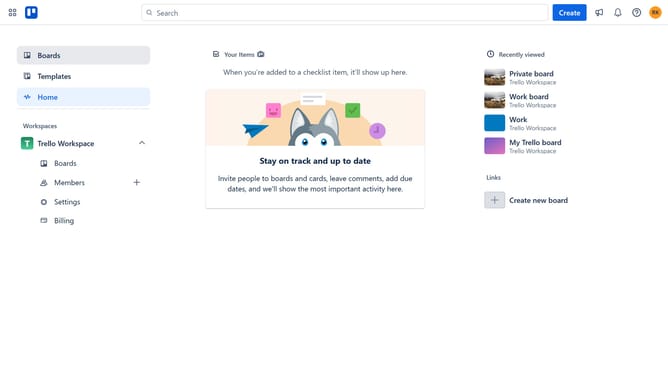
- First click on the "Boards" option in the left sidebar
- Then click on the board that has a card that contains an attachment you want to download in the workspace section
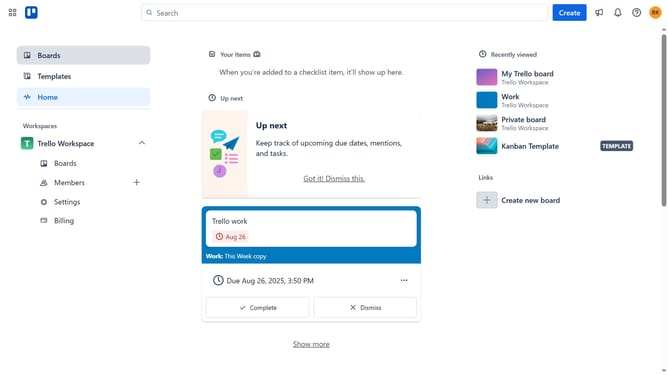
- Next click on the card that has the attachment you want to download
- Then scroll down in the card details panel
- Next click on the "more options" button (three dots) next to the attachment
- Finally click on the "Download" option in the dropdown menu
Why should you download attachments on a card in Trello
Trello is a versatile project management tool designed to streamline teamwork and organization.
In Trello, downloading attachments from a card is a seamless part of accessing essential resources directly from your project boards. This feature simplifies the process of obtaining necessary files, enhancing efficiency and productivity.
By effortlessly accessing attachments, collaborators ensure they are working with the latest versions, reducing misunderstandings and fostering a more cohesive work environment.
Utilizing this feature allows teams to stay well-informed and synchronized, making task management smoother and more effective.
Last update