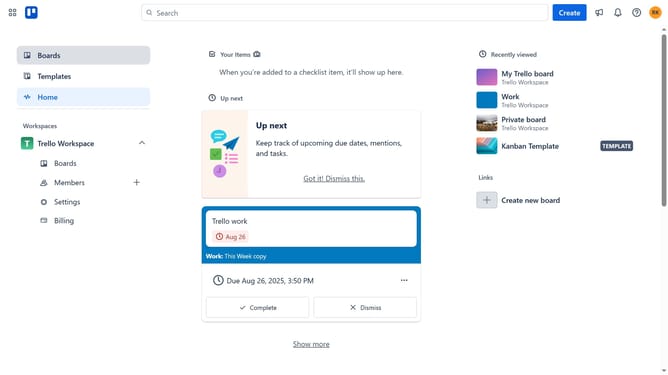
How to create a public board in Trello
Here is how to create a public board in trello
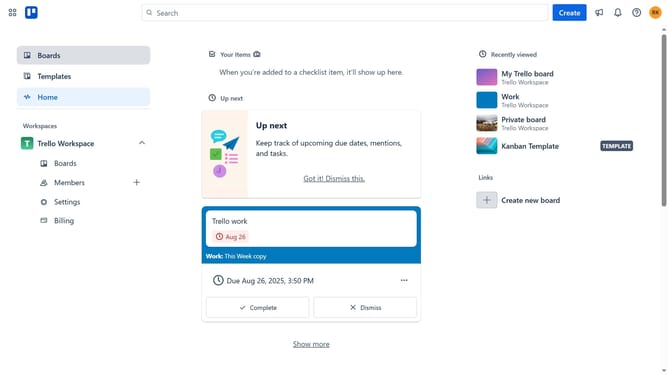
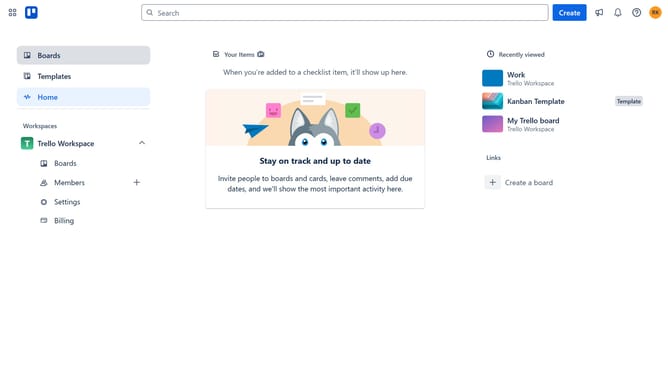
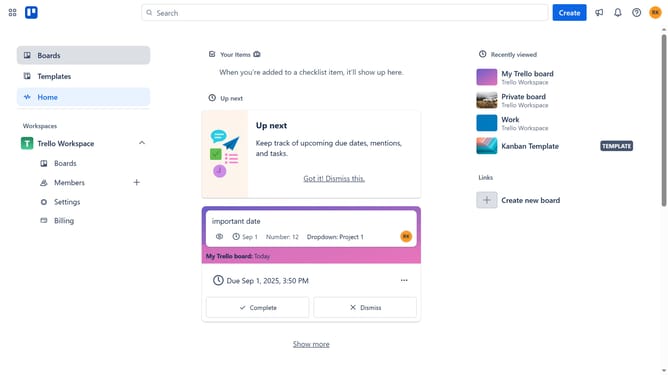
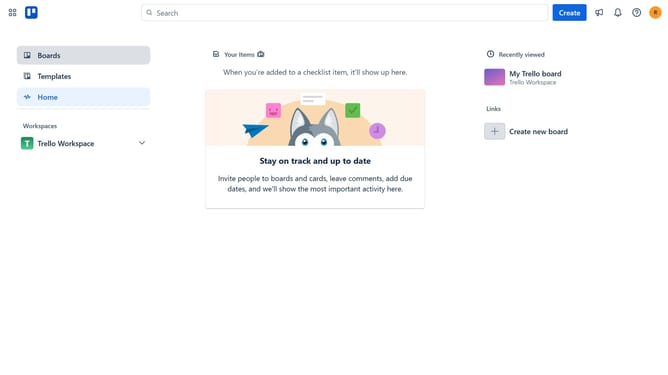
- First click on the "Boards" option in the left sidebar
- Then click on "Create new board" button in the main workspace area
- Next click into the "Board title" input field and type in your desired name for your board in the create board modal
- Then click on the "Visibility" dropdown menu
- Select "Public" option from the visibility dropdown
- Click on the "Yes, make board public" button in the confirmation dialog
- Finally click "Create" to finish creating your public board
Why should you create a public board in Trello
Trello is a powerful, user-friendly tool designed to organize and streamline projects using intuitive boards, lists, and cards.
Creating a public board in Trello transforms collaboration by enhancing transparency and accessibility. It allows anyone on the internet to view your project’s progress, fostering community engagement and broad feedback.
Public boards are perfect for educational purposes, showcasing work, or collaborative projects that benefit from open input. This feature promotes an inclusive environment, encouraging diverse ideas and perspectives.
Last update