How to disable custom fields with external data in Trello
Here is how to disable custom fields with external data in trello
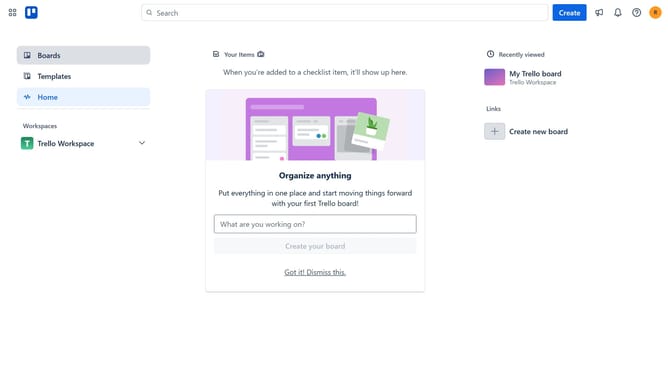
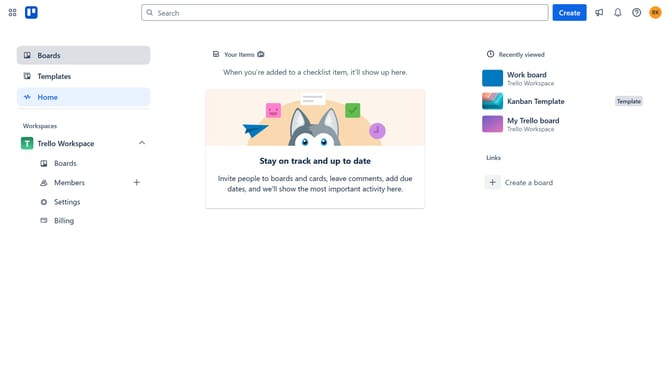
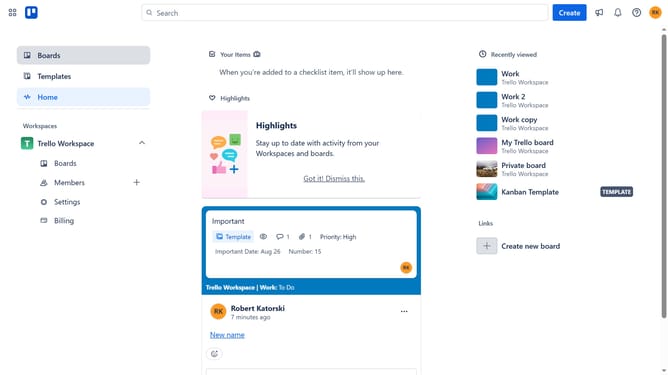
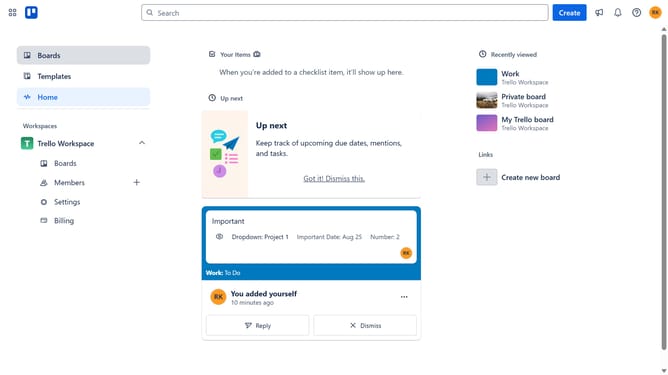
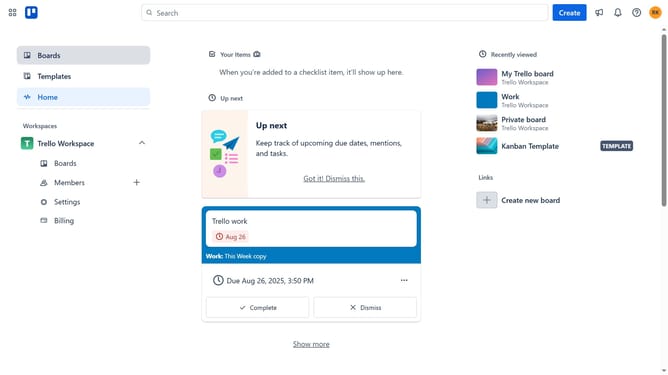
- First click on the "Boards" option in the left sidebar menu
- Then click on the board where you want to disable custom fields with external data from the workspace section
- Next click on the menu button ("...") in the top-right corner of the board
- Then select "Power-Ups" from the dropdown menu
- Click on the "Enabled" tab in the Power-Ups window
- Next click on the "Settings" button for Custom Fields With External Data
- Then click on the "Disable" option in the settings menu
- Finally click on the "Disable Power-Up" button in the confirmation dialog
Why should you disable custom fields with external data in Trello
Trello is a versatile project management tool designed to streamline workflows and enhance team collaboration.
One beneficial feature is the ability to disable custom fields with external data. This functionality is especially advantageous for users looking to maintain simplicity in their boards.
By disabling these custom fields, users can prevent potential information overload, ensuring that only the most relevant data is visible.
This results in a cleaner, more focused workspace, ultimately leading to improved efficiency and productivity for individuals and teams alike.
Last update